








Quick answer
- Best overall: Inspiro, which supports fullscreen video backgrounds from YouTube, Vimeo or your own files.
- Best free classic: Twenty Seventeen, WordPress’s own theme with a built-in header video, used on 300,000+ sites.
- Best for video backgrounds: Colibri WP and Mesmerize, both drag-and-drop themes with video background options.
- Host your videos on YouTube or Vimeo and embed them, rather than uploading large files to WordPress.
If you’re a vlogger, filmmaker or YouTuber, your website should show off your videos the moment someone arrives. The right theme makes that easy, with video headers, video backgrounds and layouts built for media.
We picked these themes from WordPress.org’s official directory, looking for themes that list specific video features and are actively updated. We checked the data on November 7, 2026.
Best WordPress video themes compared
| Theme | Active installs | Rating | Video feature |
|---|---|---|---|
| Inspiro | 60,000+ | 4.7 (127) | Fullscreen video backgrounds (YouTube, Vimeo, self-hosted) |
| Twenty Seventeen | 300,000+ | 4.5 (119) | Header video |
| Colibri WP | 50,000+ | 4.8 (266) | Video background |
| Mesmerize | 10,000+ | 4.8 (348) | Video background |
| Rife Free | 20,000+ | 4.9 (355) | Image and video slider |
| Fukasawa | 6,000+ | 4.8 (35) | Video post format |
1. Inspiro

Inspiro, from WPZOOM, is built for creative and multimedia sites. Its fullscreen video backgrounds work with YouTube, Vimeo and self-hosted videos, which makes a strong first impression for a vlog or video portfolio. It also includes 20+ starter sites and works with WooCommerce.
2. Twenty Seventeen
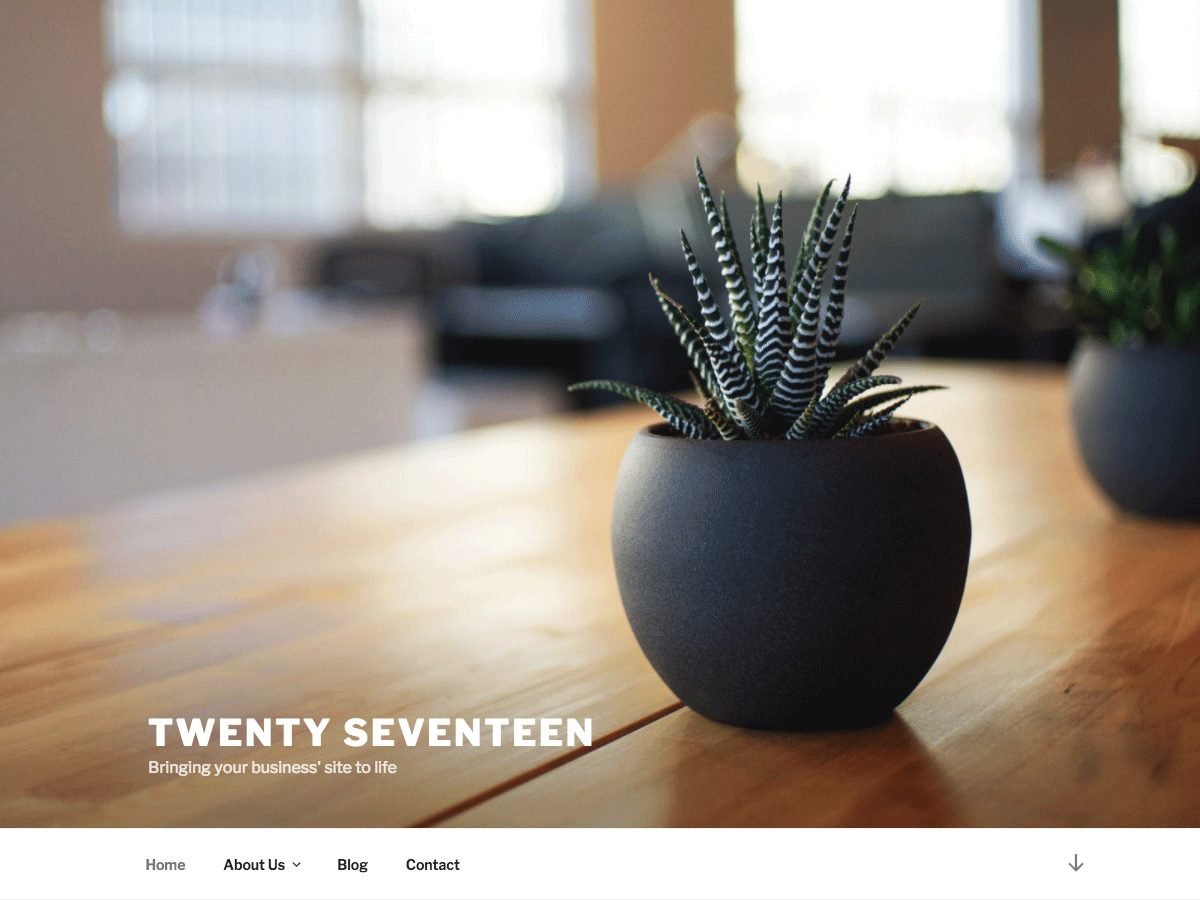
Twenty Seventeen is a former default WordPress theme that still has more than 300,000 active installs. It supports a header video and immersive featured images, and its front page can show several sections, which suits a channel homepage.
3. Colibri WP

Colibri WP is a drag-and-drop multipurpose theme with 5 header designs, 35+ ready-made content blocks and a video background option. It’s a good fit if you want to design your homepage visually.
4. Mesmerize

Mesmerize, from the same team as Colibri WP, also uses drag and drop, with 5 header designs, 30+ content sections and video or slideshow backgrounds for the header.
5. Rife Free

Rife Free is a portfolio theme with a mobile-friendly image and video slider and 7 demo layouts. It suits filmmakers and video creators who want a portfolio-style site.
6. Fukasawa
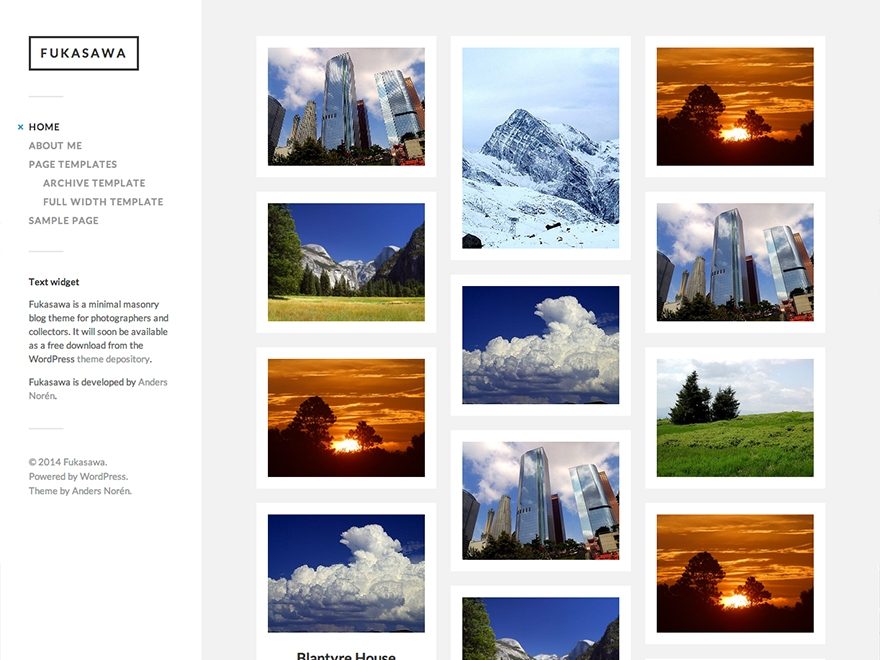
Fukasawa, by Anders Norén, is a minimal masonry-style theme with support for the video, image and gallery post formats. It works well for a video blog where each post leads with a clip.
Tips for a video website
- Host videos on YouTube or Vimeo and embed them. Uploading large video files to WordPress slows your site and uses up hosting storage.
- Paste a YouTube link into the WordPress editor and it turns into an embedded player automatically.
- Keep background videos short and muted, so they don’t slow down your homepage or annoy visitors.
- Add a transcript or summary under each video, which helps both readers and search engines.
For more choices, see our lists of the best WordPress themes and the best free WordPress themes. Photographers may also like our best WordPress photography themes.
WordPress video themes FAQs
Inspiro is a strong choice because it supports fullscreen video backgrounds from YouTube, Vimeo or your own files.
Yes. Twenty Seventeen supports a header video, and Inspiro, Colibri WP and Mesmerize support video backgrounds.
It’s usually better to host videos on YouTube or Vimeo and embed them, to keep your site fast.
Yes. All the themes on this list are free on WordPress.org.
Paste the YouTube link into the WordPress editor on its own line, and WordPress turns it into a video player.
They can. Keep background videos short, muted and compressed, or host them on YouTube or Vimeo.
Install counts, ratings and features from WordPress.org, checked on November 7, 2026.