






Quick answer
- Best free theme overall: Astra, with 1 million+ active installs and over 6,500 reviews averaging 4.9 stars.
- Most features for free: Kadence, which includes a drag-and-drop header and footer builder at no cost.
- Lightest: GeneratePress, which adds less than 10 KB (gzipped) to a page.
- Best free block theme: Twenty Twenty-Five or Ollie, if you want to design with the Site Editor.
- Every theme here is free on WordPress.org, so you can install it from your dashboard under Appearance → Themes.
You don’t need to spend money to get a fast, good-looking WordPress site. The free themes in the official WordPress.org directory are reviewed before they’re listed, and the best of them are used on hundreds of thousands of sites.
We picked these 12 themes using WordPress.org’s own data: active installs, average rating, number of reviews and when each theme was last updated. All of them were updated within the last 15 months, and we checked the data on November 7, 2026.
Best free WordPress themes at a glance
| Theme | Active installs | Rating | Type | Best for |
|---|---|---|---|---|
| Astra | 1M+ | 4.9 (6,555) | Classic | Most sites |
| Kadence | 500K+ | 4.9 (456) | Classic | Free features |
| GeneratePress | 500K+ | 4.9 (1,427) | Classic | Speed |
| Blocksy | 300K+ | 5.0 (873) | Classic + blocks | Block editor |
| Neve | 200K+ | 4.7 (1,284) | Classic | Core Web Vitals |
| OceanWP | 400K+ | 4.9 (5,720) | Classic | Extensions |
| Hello Elementor | 1M+ | 4.2 (130) | Classic | Elementor |
| Twenty Twenty-Five | 1M+ | 4.0 (14) | Block | Simple sites |
| Sydney | 80K+ | 4.9 (795) | Classic | Businesses |
| Hestia | 70K+ | 4.8 (563) | Classic | One-page sites |
| Inspiro | 60K+ | 4.7 (127) | Classic | Photographers |
| Ollie | 7K+ | 5.0 (36) | Block | Modern block sites |
Ratings are converted from WordPress.org’s 100-point scale to 5 stars, with the number of reviews in brackets.
1. Astra

Astra is the most popular free multipurpose theme. The free version is fast and includes starter templates you can import in a few clicks. It works with every major page builder and with WooCommerce, so it suits almost any kind of site.
A Pro version is available from $99/year, but most blogs never need it.
2. Kadence

Kadence gives you more for free than almost any other theme. You get a drag-and-drop header and footer builder, starter templates and global font and color controls without paying. It’s also marked accessibility ready.
Premium tools are sold through Liquid Web as a bundle.
3. GeneratePress
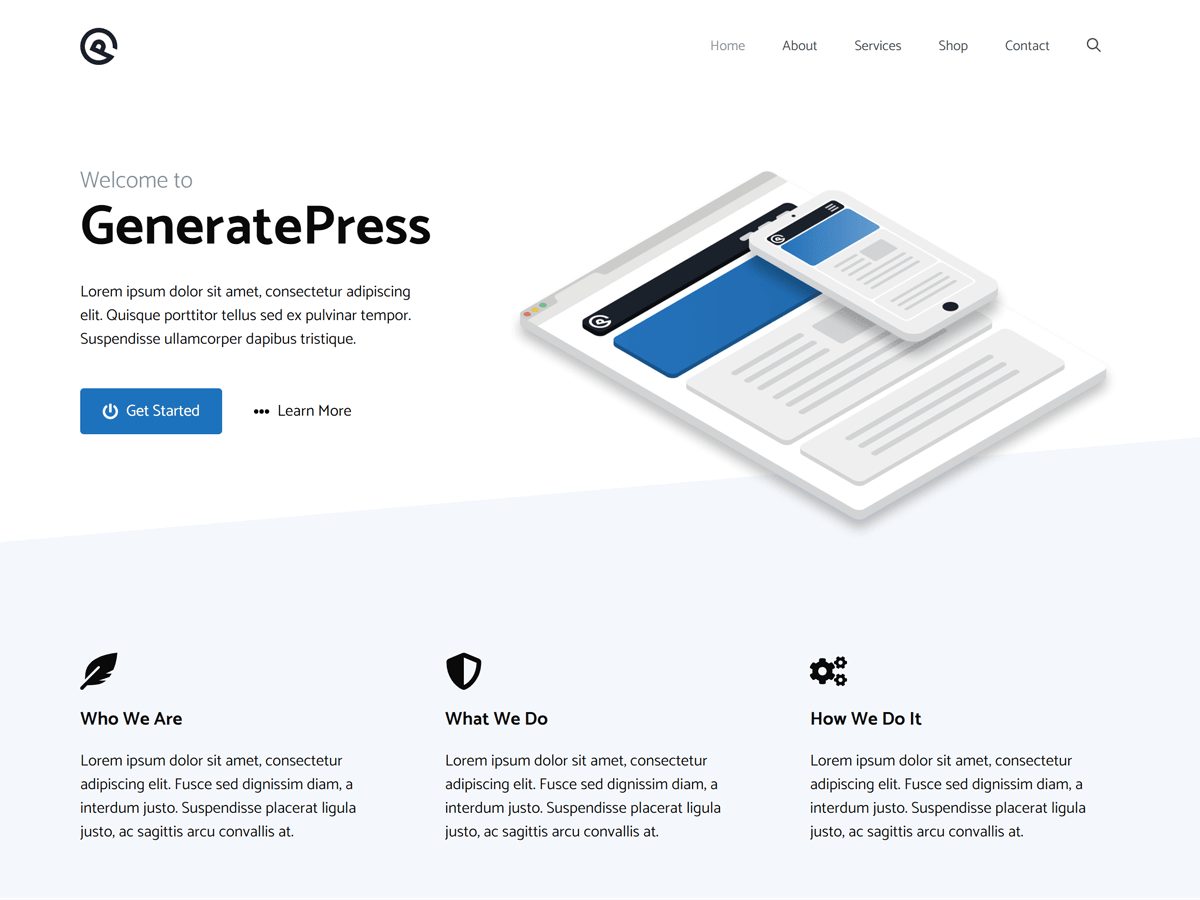
GeneratePress is built for speed. A fresh install adds less than 10 KB (gzipped) to your page, and it follows WordPress coding standards closely. The free version is clean and simple, which makes it a favorite for blogs.
GeneratePress One adds more layout options from $99/year.
4. Blocksy
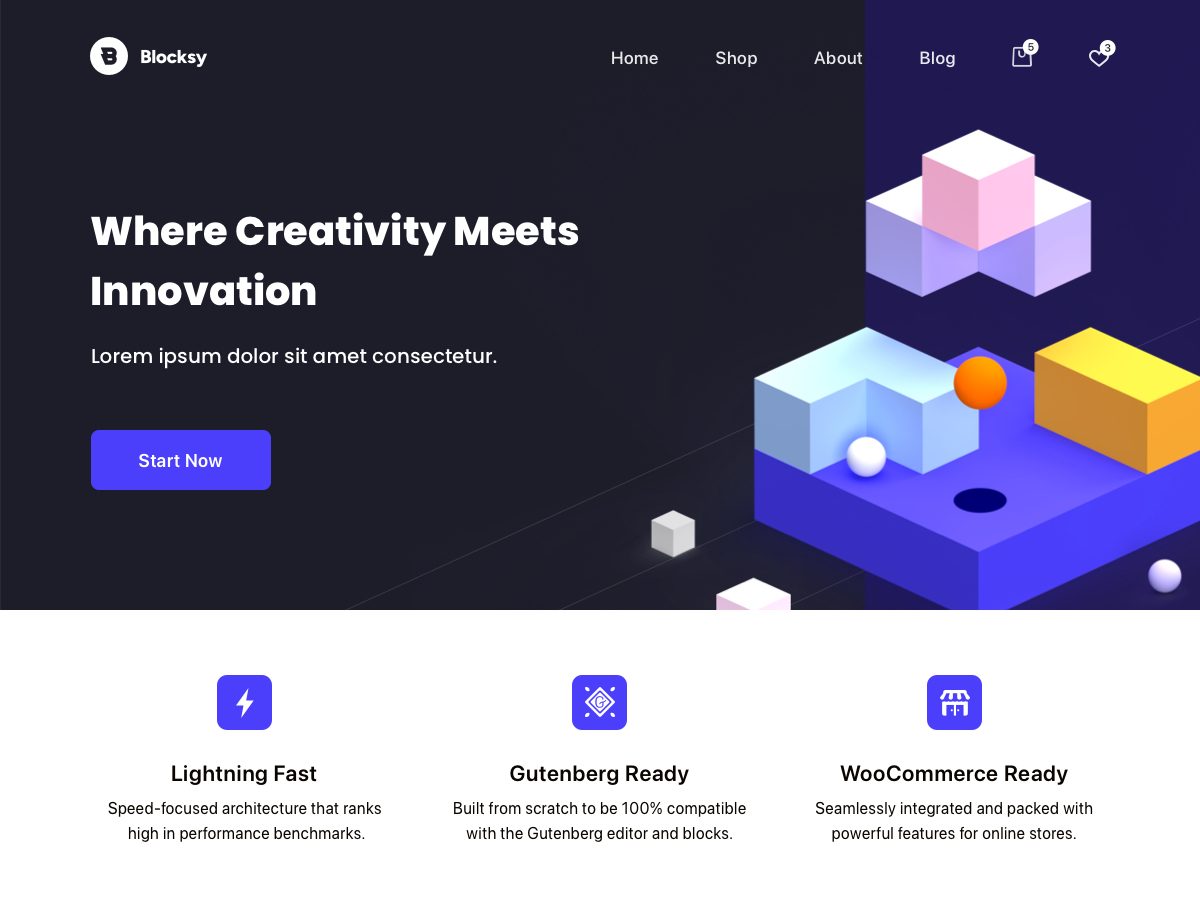
Blocksy is a modern theme with full block editor support and advanced WooCommerce features. It has a perfect 5-star average from nearly 900 reviews.
Blocksy Pro starts at $69/year.
5. Neve
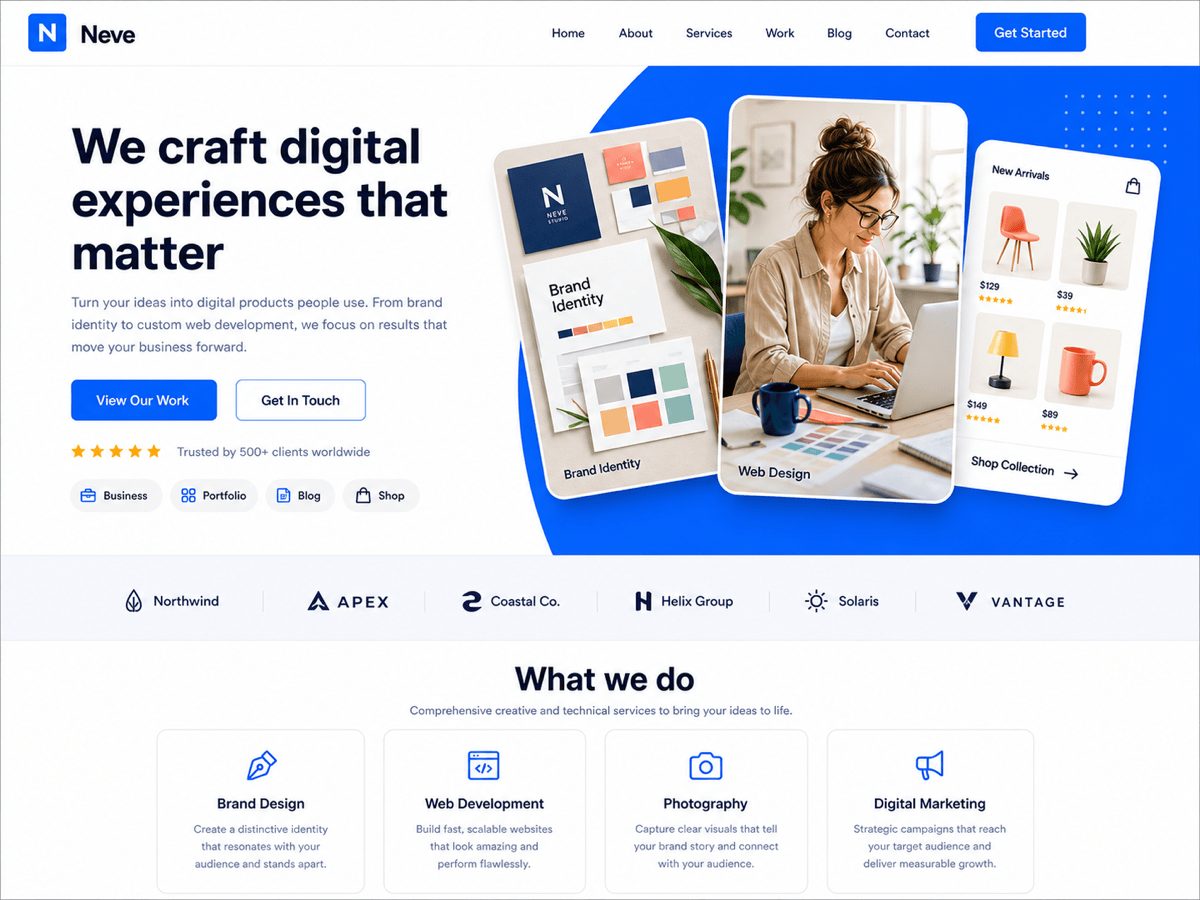
Neve is a fast, lightweight theme from Themeisle built around Core Web Vitals. It works with the block editor, Elementor and other builders, and with WooCommerce.
Neve Pro starts at $69/year.
6. OceanWP
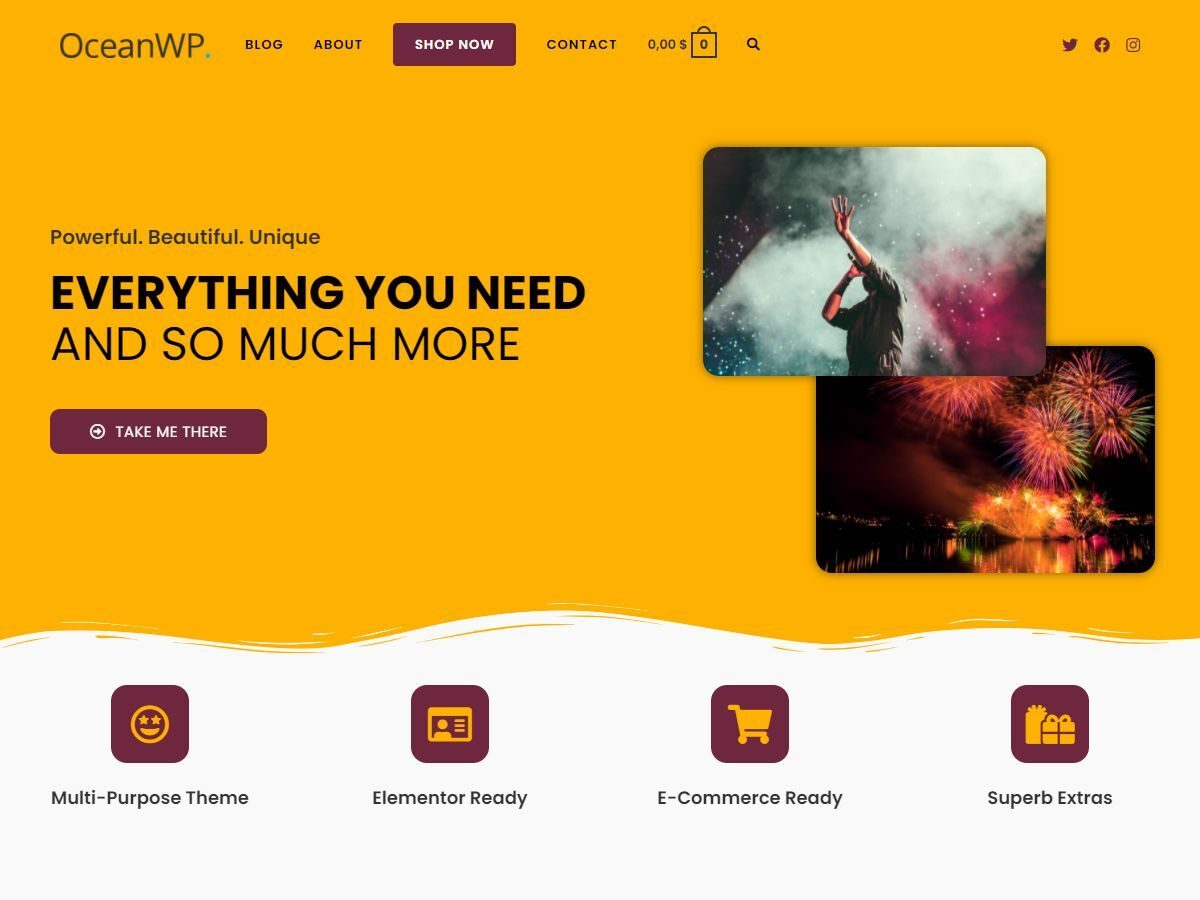
OceanWP is a lightweight, extendable theme with thousands of 5-star reviews. You can adjust settings separately for tablets and phones, and add features later with extensions.
Premium extensions start at $42/year.
7. Hello Elementor
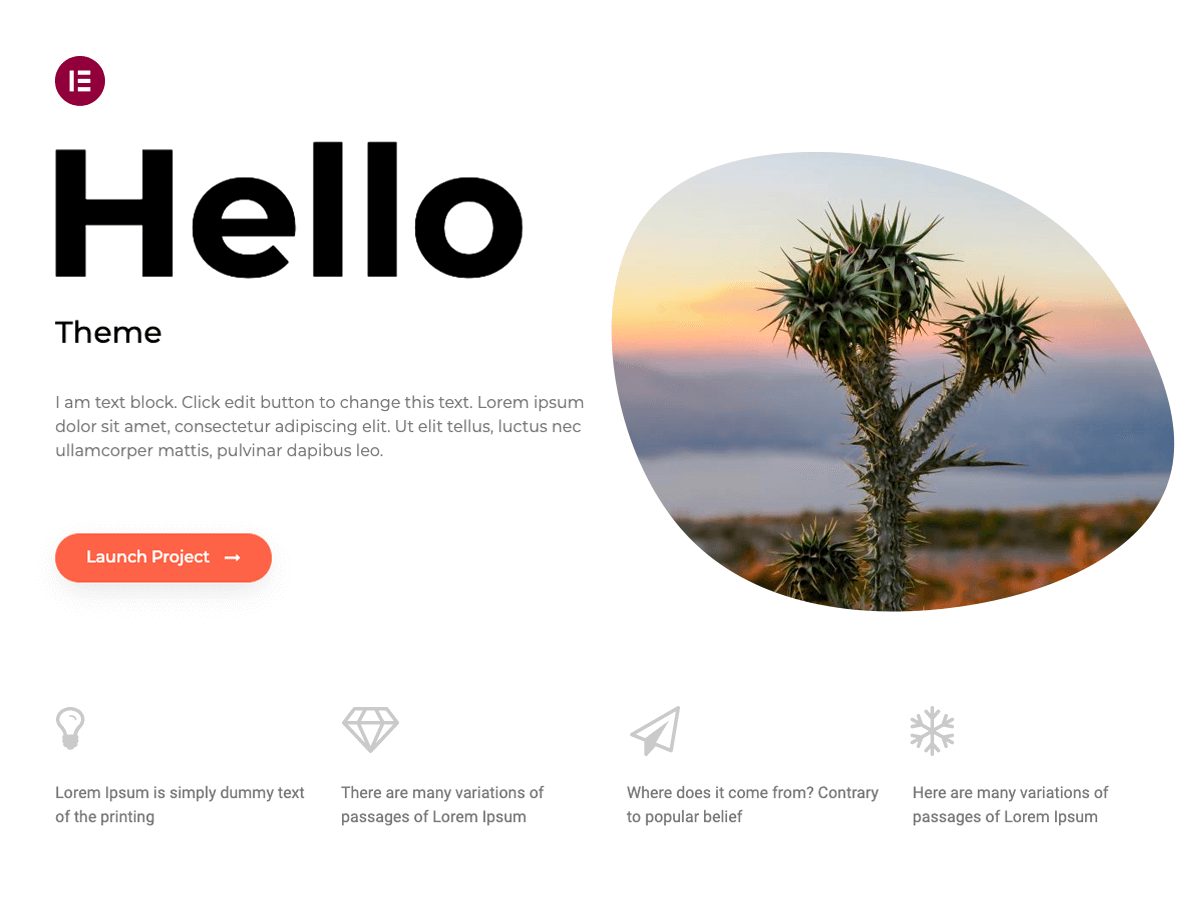
Hello Elementor is a minimal theme made by Elementor. It’s a blank canvas: you design every page with the free Elementor page builder.
Elementor Pro is optional and starts at $60/year.
8. Twenty Twenty-Five
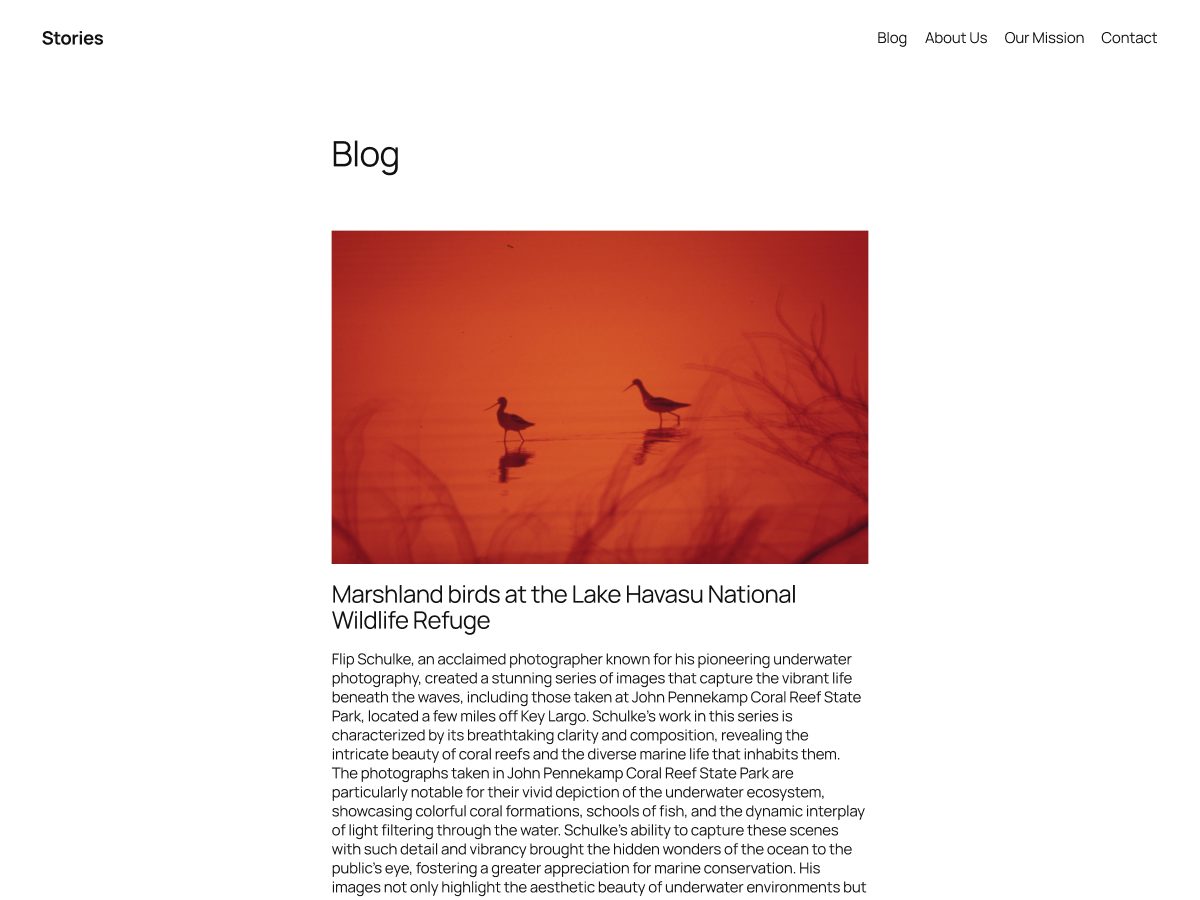
Twenty Twenty-Five is WordPress’s own default block theme. It comes with patterns for services pages, landing pages and several blog styles, and you customize it with the Site Editor.
Completely free.
9. Sydney
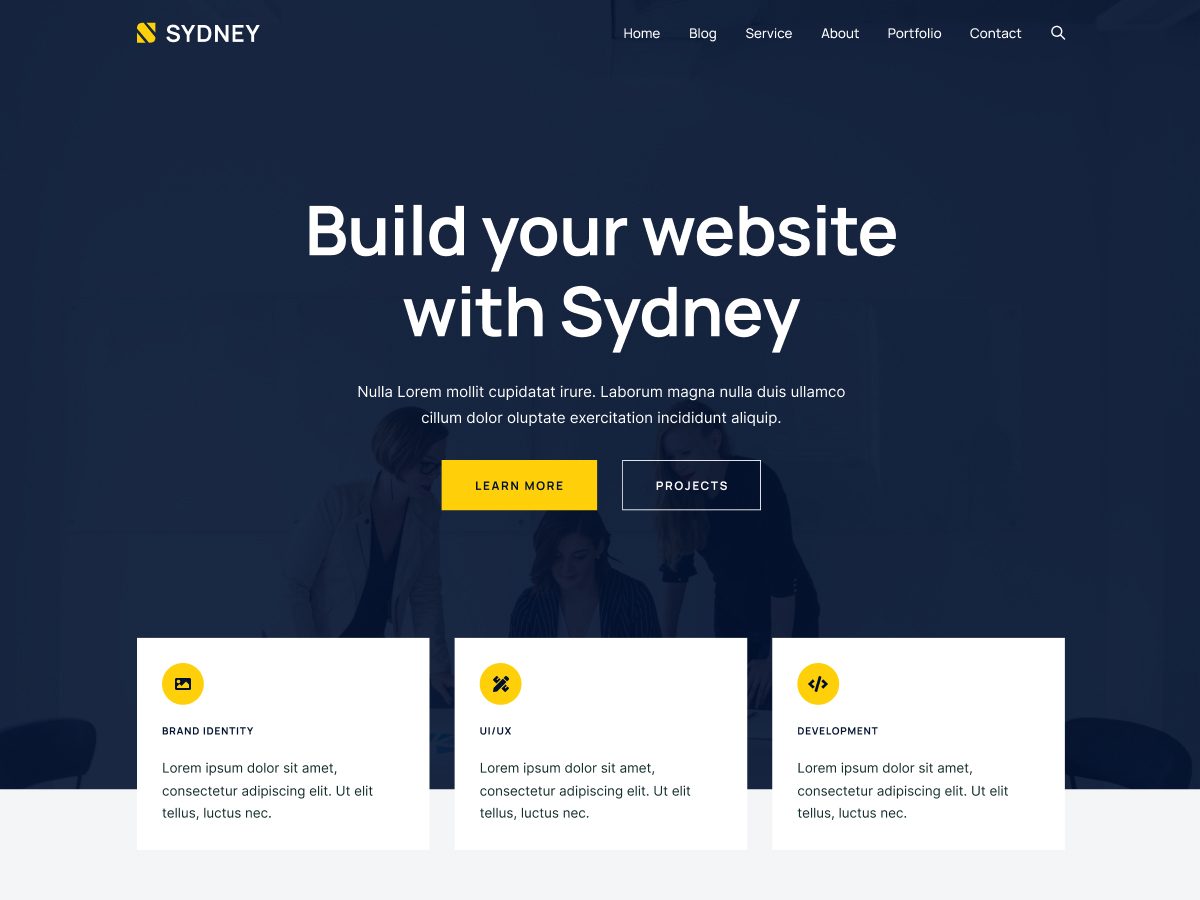
Sydney, from aThemes, is a fast, customizable theme for businesses, freelancers and portfolios. It works with both Elementor and the block editor and includes a library of block patterns.
Free on WordPress.org.
10. Hestia
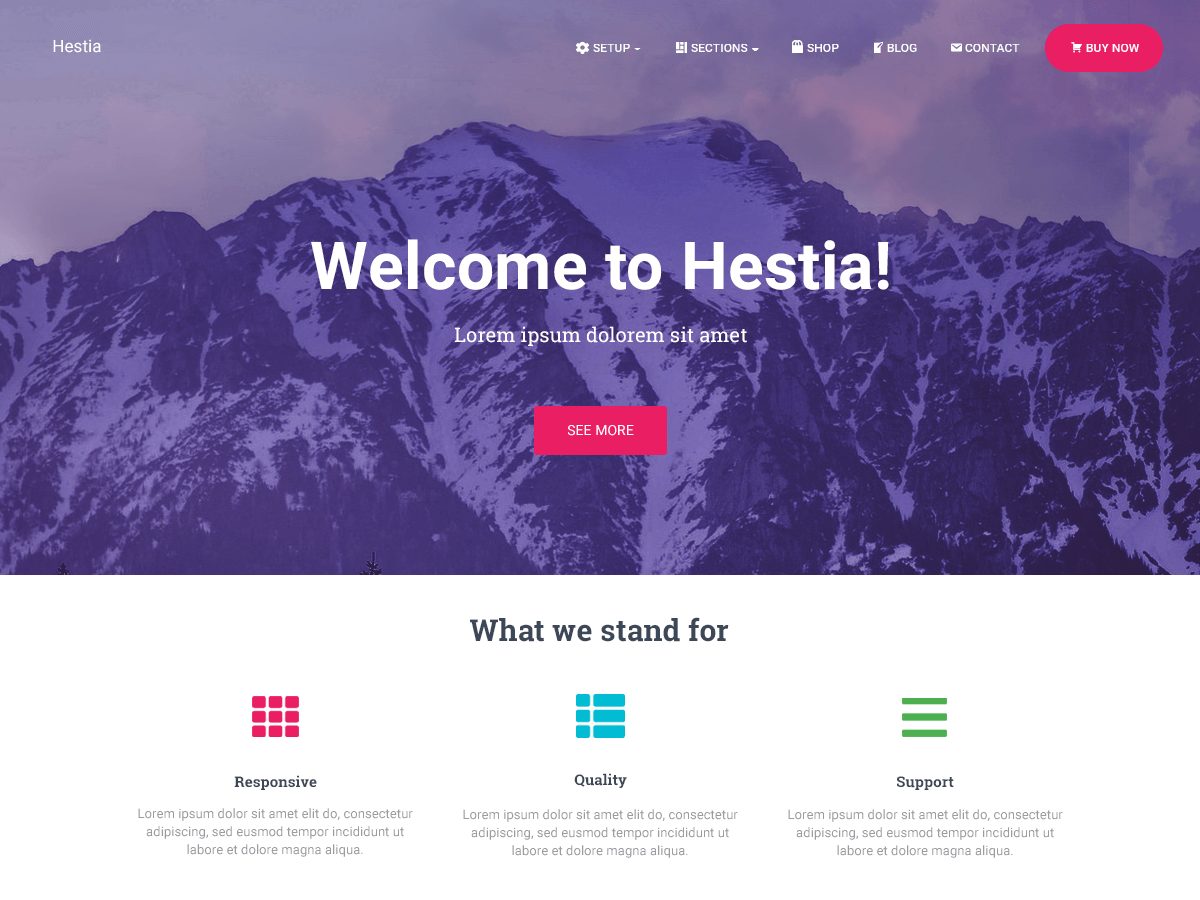
Hestia, also from Themeisle, is a modern one-page theme for small businesses, startups, agencies and portfolios, with WooCommerce support.
Free on WordPress.org.
11. Inspiro

Inspiro, from WPZOOM, is a lightweight theme for creative professionals, photographers and visual portfolios. It includes 20+ starter sites for Elementor and the block editor.
Free on WordPress.org.
12. Ollie
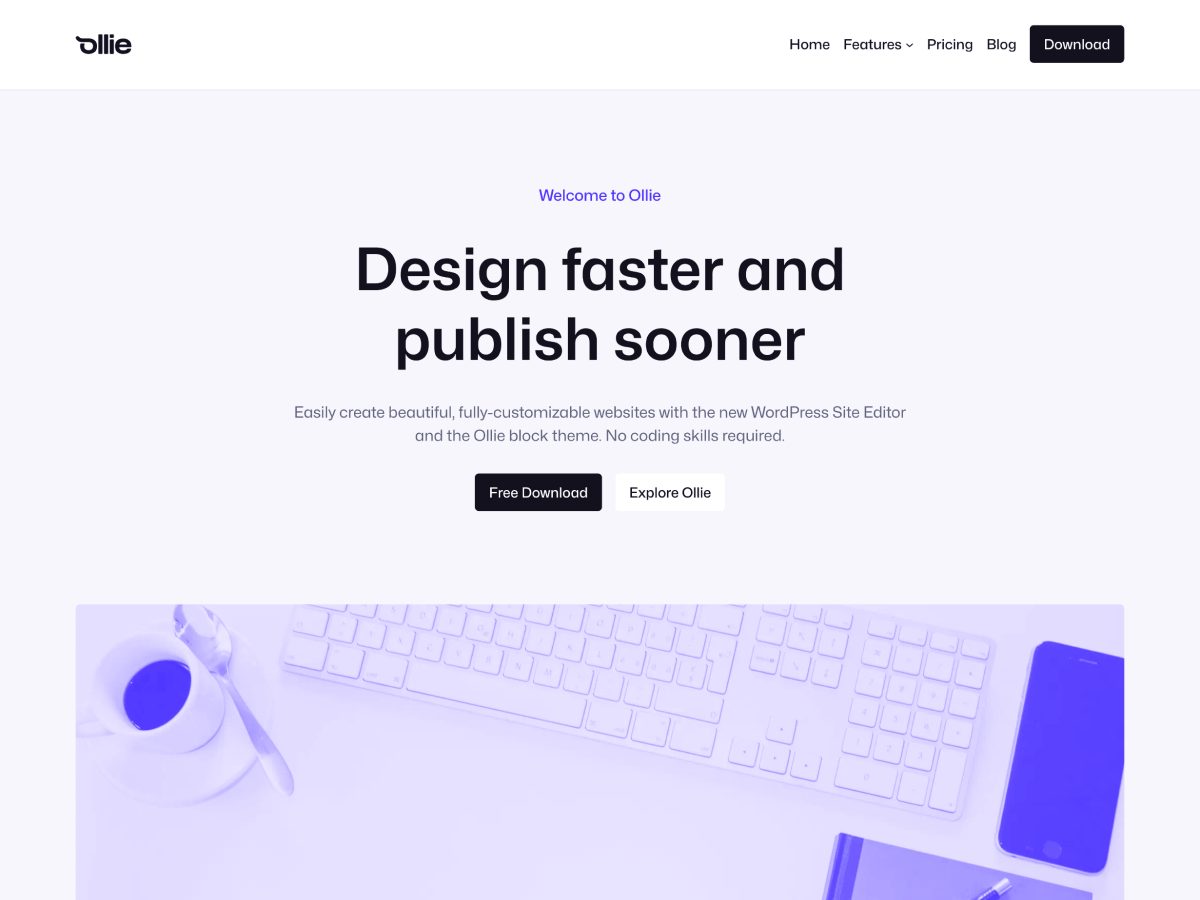
Ollie is a block theme with over 50 pattern designs, 7 full-page layouts and a design system you control with Global Styles. It’s a good choice if you want to build with WordPress’s newest editor tools.
Free on WordPress.org.
How to install a free WordPress theme
- In your WordPress dashboard, go to Appearance → Themes.
- Click Add New Theme and search for the theme by name.
- Click Install, then Activate.
- Open Appearance → Customize (or the Site Editor for block themes) to set your logo, colors and fonts.
Not sure which to pick? Our guide on how to choose a WordPress theme walks you through it, and our list of the best WordPress themes compares the premium versions too.
Free WordPress themes FAQs
Themes in the official WordPress.org directory are reviewed before they’re listed. Stick to themes that are updated regularly, like the ones on this list.
Astra, Kadence and GeneratePress are all excellent, fast choices for a blog.
Yes. Astra, Kadence, OceanWP, Neve and Sydney work with Elementor and other builders. Hello Elementor is made specifically for Elementor.
A theme you customize with WordPress’s Site Editor, using blocks and patterns. Twenty Twenty-Five and Ollie are block themes.
Yes. Most of these themes have a Pro version you can add later without rebuilding your site.
Only the one you use, plus a default theme as a backup. Delete themes you don’t need.
Install counts, ratings and update dates from WordPress.org, checked on November 7, 2026.