





There are hundreds of SEO tools out there, and most of them promise to get you to the top of Google. The truth is that you only need a handful, and the right ones depend on where your site is today.
We run Bloggersutra on WordPress and use SEO tools every day, for keyword research, writing, technical checks and tracking. This guide is the shortlist we would hand to a friend starting a blog or growing a small business site.

Here is why you can trust these picks:
- We use these tools on our own site, including the free ones, so we know where each one is strong and where it falls short.
- Prices and free plan limits come from each company’s official pricing page, checked in November 2026, including what you pay after the first year.
- We picked tools for bloggers and WordPress site owners, not big enterprise teams with five-figure budgets.
- Some links are affiliate links, but they never decide the order. Several of our top picks are completely free.
Note: You don’t need all 16 tools. Read the quick picks, then jump to the SEO tool stacks by budget section to see which combination fits you.
Quick Pick: The Best SEO Tools at a Glance
In a hurry? These are the tools we would start with, and what each one is best at:
| # | Tool | Best for | Free option | Paid from |
|---|---|---|---|---|
| 🥇 | Google Search Console | Free data straight from Google | 100% free | Free |
| 🥈 | Semrush | All-in-one SEO toolkit | Free plan, 10 reports a day | $139/mo |
| 🥉 | Rank Math | On-page SEO in WordPress | Free plugin | $5.59/mo, 1st year |
| 4 | Ahrefs | Backlinks and competitor research | Free tools for your own site | $29/mo |
| 5 | SE Ranking | Best-value all-in-one | 14-day free trial | $103.20/mo, yearly |
| 6 | Google Keyword Planner | Free search volumes | Free with a Google Ads account | Free |
| 7 | PageSpeed Insights | Page speed and Core Web Vitals | 100% free | Free |
| 8 | Screaming Frog | Technical site audits | Free up to 500 URLs | £199/year |
| 9 | Keywords Everywhere | Keyword data while you search | About 18 free features | $7/mo, yearly |
| 10 | Mangools KWFinder | Easy keyword research for beginners | Free account | $18.85/mo, yearly |
The rest of the list (Bing Webmaster Tools, Yoast SEO, All in One SEO, AnswerThePublic, Surfer and Ubersuggest) is just as useful for specific jobs. You’ll find them all below, followed by our recommended tool stacks for every budget.
How We Chose the Best SEO Tools
Every tool on this list had to earn its place on a real blog, not just look good in a feature table. We judged them on five things:
- Useful for bloggers and small sites. Keyword research, on-page SEO, technical checks and rank tracking matter more to us than enterprise reporting.
- A real free option. A free plan, a free trial or a generous free version scored higher, because most new sites have little to spend.
- Honest pricing. We looked at the price after the first year, not just the launch discount, and at the limits on each plan.
- Easy to use. A beginner should get value in the first hour without watching a course.
- Works well with WordPress. Plugins and integrations that save time in the dashboard got extra points.
We left out tools that only make sense for large agencies, such as enterprise SEO platforms with custom pricing, and tools that hadn’t been updated in a long time.
Types of SEO Tools (and Which Ones You Need)
SEO tools fall into a few groups. Knowing them helps you avoid paying twice for the same job:
- Search engine tools: free tools from Google and Bing that show how they see your site, such as Search Console and Bing Webmaster Tools. Every site needs these.
- All-in-one platforms: Semrush, Ahrefs, SE Ranking and Ubersuggest cover keyword research, competitor analysis, site audits, backlinks and rank tracking in one subscription.
- Keyword research tools: Keyword Planner, KWFinder, Keywords Everywhere and AnswerThePublic help you find topics people actually search for.
- WordPress SEO plugins: Rank Math, Yoast SEO and All in One SEO handle titles, meta descriptions, sitemaps and schema on your own site.
- Technical SEO tools: Screaming Frog and PageSpeed Insights find broken links, redirect chains, missing tags and slow pages.
- Content optimization tools: Surfer compares your article with the pages already ranking and shows what is missing.
A typical blog needs one tool from the first group, one WordPress plugin and one keyword tool. An all-in-one platform becomes worth the money once your site has steady traffic or earns income.
1. Google Search Console: Best Free SEO Tool
- Best for: Seeing exactly how Google finds, indexes and ranks your site
- Free plan: Completely free, with no paid version
- Price: Free
- Our verdict: The first SEO tool every website should set up
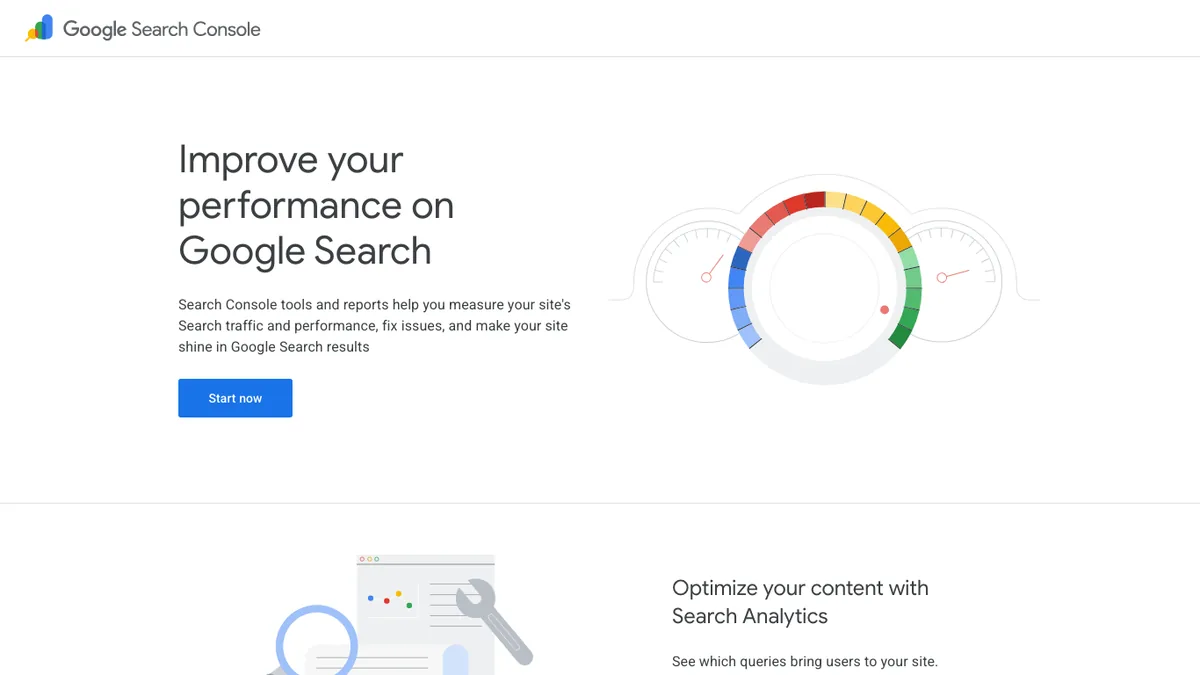
Google Search Console is the only tool on this list that shows real data from Google itself. It tells you which searches your pages appear for, how many people click, and your average position for each query.
It also warns you when something goes wrong. If Google can’t index a page, finds a mobile usability problem, spots a manual action or sees a security issue, Search Console is where you hear about it first.
We check it every week. The Performance report is the best place to find quick wins: pages that already rank on page two for a keyword with lots of impressions usually need only a better title, a few more sections or some internal links to move up.
Pros
- Real Google data that no paid tool can copy
- Index, sitemap and error reports for your own site
- Shows the exact queries that bring visitors
- Free, with no limits on sites
Cons
- Only shows data for sites you own
- No competitor or backlink research
- Keeps 16 months of data, so export what you want to keep
Tip: After you verify your site, submit your XML sitemap (for example sitemap_index.xml from Rank Math) under Sitemaps. Google then finds new posts faster.
Alternative: Bing Webmaster Tools gives you similar free data for Bing, and can import your sites straight from Search Console.
2. Semrush: Best All-in-One SEO Toolkit
- Best for: Keyword research, competitor analysis, site audits and rank tracking in one place
- Free plan: Yes, 10 reports a day
- Price: SEO plan $139/mo, or $117.33/mo billed yearly
- Our verdict: The most complete toolkit if you can afford one paid tool
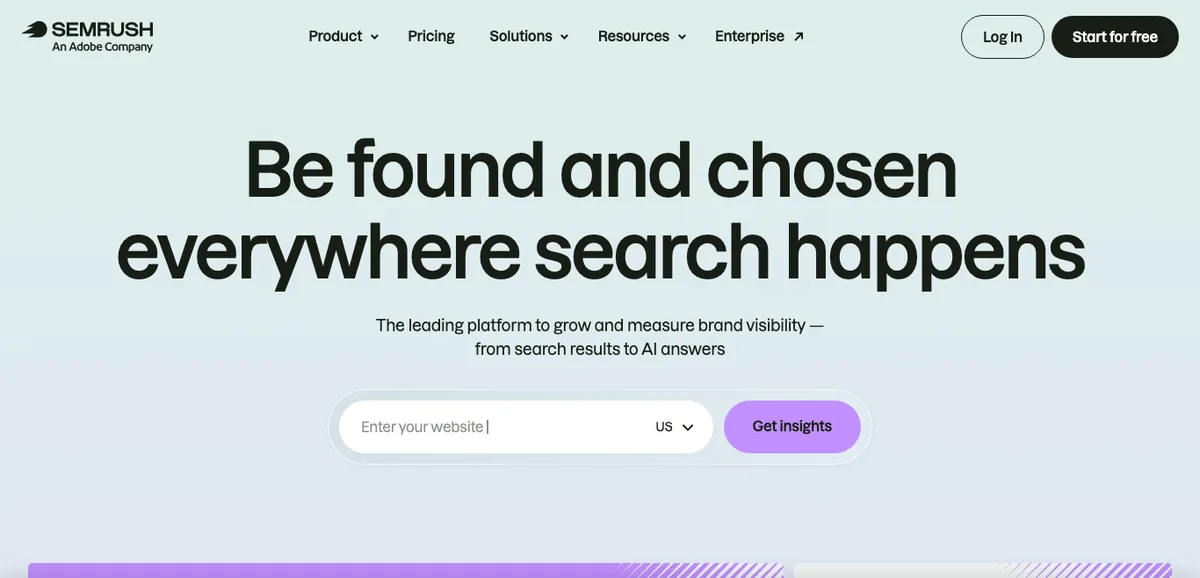
Semrush is the tool most SEOs reach for when they need everything in one place. It covers keyword research, competitor analysis, site audits, backlink research, rank tracking and content tools, and it now also tracks how your brand shows up in AI answers.
Its keyword database is huge, and the Keyword Magic Tool is one of the fastest ways to turn one seed keyword into hundreds of ideas grouped by topic. You can see search volume, keyword difficulty, search intent and the pages already ranking.
For a blog, the most useful features are:
- Organic Research: enter a competitor’s domain and see which keywords bring them traffic.
- Keyword Gap: find keywords your competitors rank for and you don’t.
- Site Audit: crawls your site and lists technical problems by priority.
- Position Tracking: follows your rankings for chosen keywords every day.
Pros
- Huge keyword and competitor database
- Very good site audit with clear fixes
- Free plan to try the main reports
- Tracks AI search visibility as well as Google
Cons
- Expensive for a new blog
- So many features that it takes time to learn
- Extra users and some add-ons cost more
Free option: Semrush’s free plan gives you 10 reports a day, which is enough to research a few keywords or check a competitor before you decide to pay. Read our full Semrush review for details.
Alternative: SE Ranking covers most of the same jobs for less money, and Ahrefs is stronger for backlink research.
3. Rank Math: Best Free WordPress SEO Plugin
- Best for: Titles, meta descriptions, schema, sitemaps and redirects inside WordPress
- Free plan: Yes, a full-featured free plugin
- Price: PRO from $5.59/mo for the first year, then $8.99/mo, billed yearly
- Our verdict: The best value WordPress SEO plugin, and the one we use
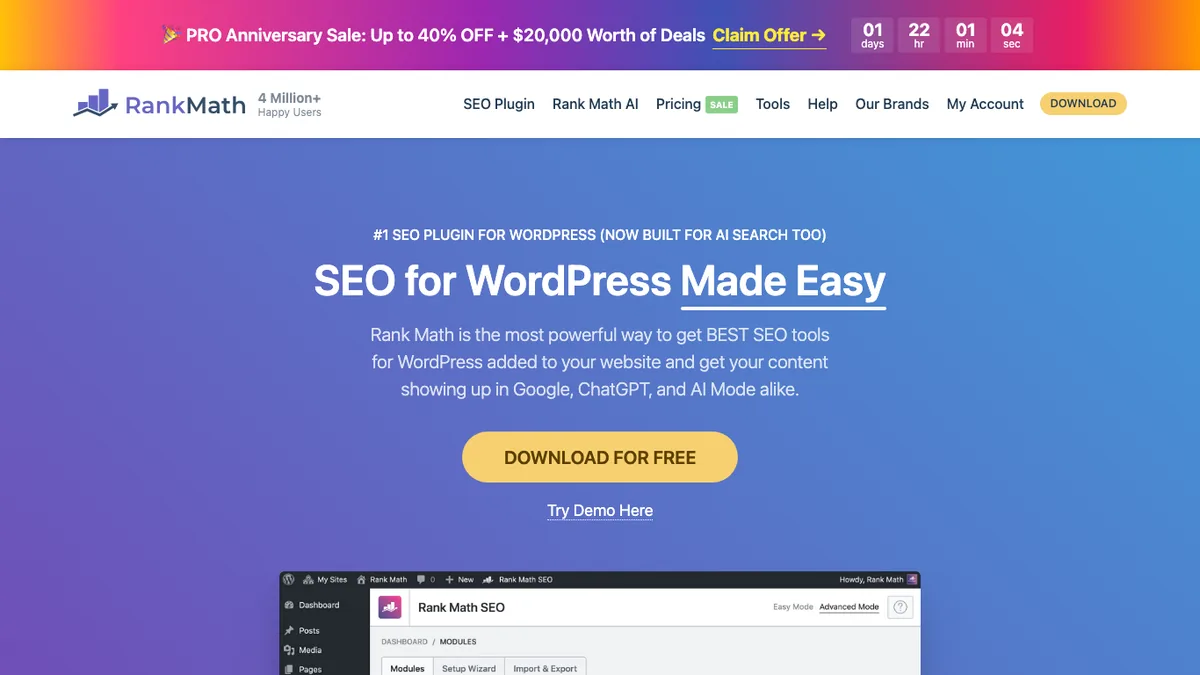
Rank Math is the SEO plugin we run on Bloggersutra. It handles the on-page basics that every WordPress site needs: SEO titles and meta descriptions, XML sitemaps, schema markup, breadcrumbs, redirects and a 404 monitor.
The free version is unusually generous. You get schema for articles, FAQs, products and more, a redirection manager, and a content analysis that checks your focus keyword as you write. Many of these features cost extra in other plugins.
Rank Math PRO adds keyword rank tracking, Google Analytics 4 data in your dashboard, advanced schema, link reports and AI search traffic tracking. On PRO, data refreshes daily, compared with every three days on the free version.
Pros
- Free version includes schema and redirects
- Setup wizard imports settings from Yoast or AIOSEO
- PRO is cheap for unlimited personal sites
- Search Console data inside WordPress
Cons
- So many options that beginners can feel lost
- Renewal price is higher than the first year
- Business and Agency plans are needed for client sites
Good to know: PRO costs $5.59/mo for the first year, then renews at $8.99/mo ($107.88 a year plus tax). Pick the yearly plan only when you are sure you’ll keep it.
Alternative: Yoast SEO and All in One SEO do the same job. Use only one SEO plugin on a site.
4. Ahrefs: Best for Backlinks and Competitor Research
- Best for: Backlink analysis, competitor research and content gaps
- Free plan: Free Ahrefs tools for sites you own
- Price: Starter $29/mo, Lite $129/mo, Standard $249/mo
- Our verdict: The best backlink data, with a cheap entry plan
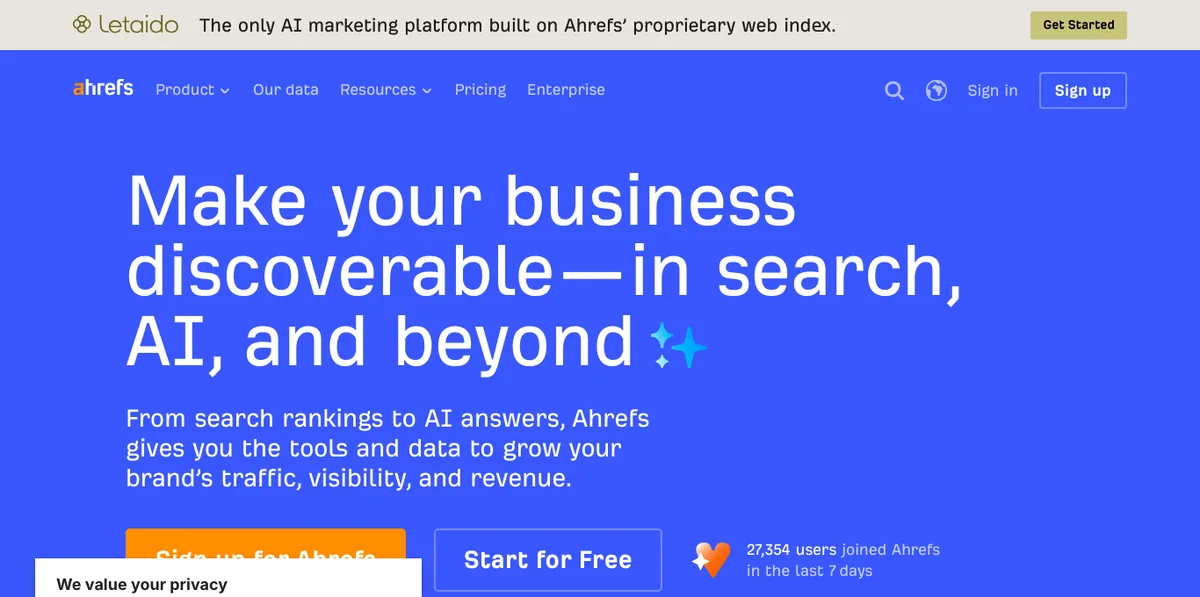
Ahrefs is best known for its backlink index. If you want to see who links to a competitor, which of their pages attract the most links, or which links your own site has lost, Ahrefs is the tool many SEOs trust most.
Site Explorer shows a domain’s top pages, organic keywords and referring domains on one screen. Content Explorer finds the most linked and shared articles on any topic, which is a great way to plan posts that earn links.
The Starter plan at $29/mo is a cheap way in for occasional research. Lite at $129/mo unlocks the full toolset for a single user, and paying yearly saves up to 17%.
Pros
- Excellent backlink data
- Clear Site Explorer overview of any domain
- Content Explorer for link-worthy topic ideas
- Free tools for your own verified sites
Cons
- Full features start at $129/mo
- Usage limits on lower plans
- No free trial listed on the pricing page
Free option: Verify your site with Ahrefs to get its free site audit and backlink data for the sites you own.
Alternative: Semrush has a broader toolset, and SE Ranking is cheaper for everyday tracking.
5. SE Ranking: Best-Value All-in-One SEO Tool
- Best for: Rank tracking and all-round SEO on a smaller budget
- Free plan: 14-day free trial
- Price: Core $129/mo, or $103.20/mo billed yearly
- Our verdict: Most of what Semrush does, for less money
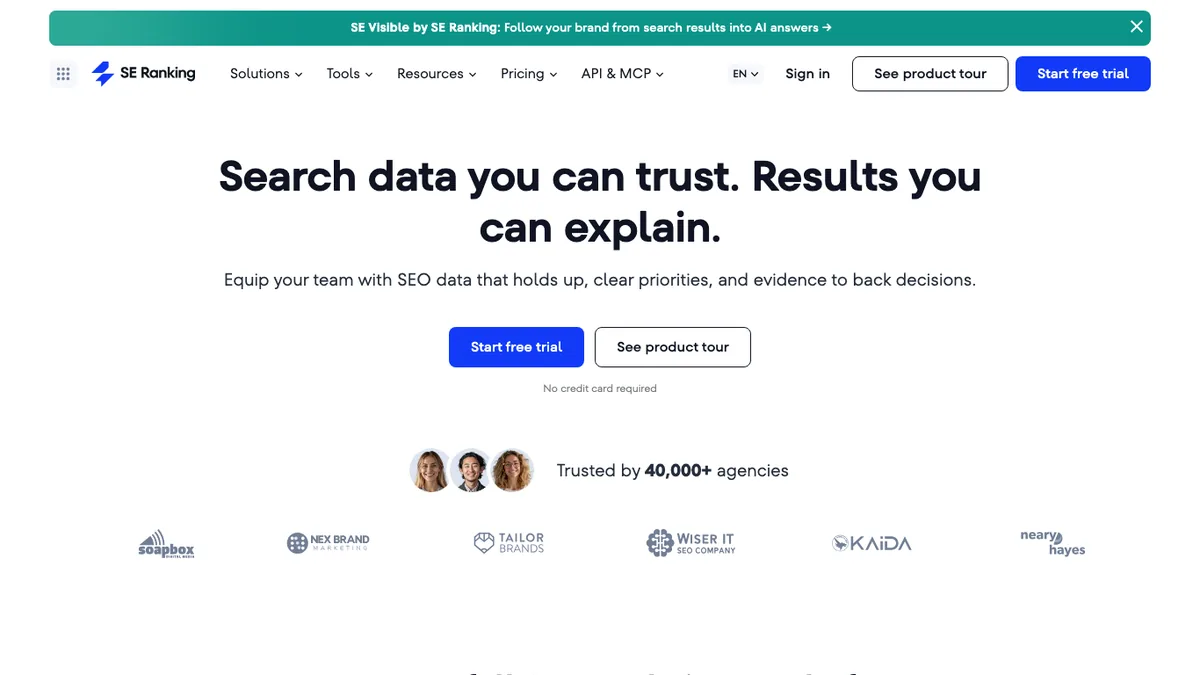
SE Ranking is a complete SEO platform built for freelancers, small businesses and agencies that want the main tools without top-tier prices.
It started as a rank tracker, and that is still one of its strongest features. You also get keyword research, competitor analysis, backlink checks, a website audit and an on-page checker. The Core plan includes unlimited keyword, competitor and backlink research.
Pros
- Accurate rank tracking with lots of options
- Lower price than Semrush or Ahrefs
- Easy to learn
- White-label reports for client work
Cons
- Smaller databases than the biggest tools
- Some features are add-ons
- Fewer integrations
Free option: Use the 14-day free trial to run a full audit of your site and set up rank tracking before you pay. See our SE Ranking review.
Alternative: Ubersuggest is even cheaper if you only need the basics.
6. Google Keyword Planner: Best Free Keyword Volume Tool
- Best for: Free search volume ranges and keyword ideas from Google
- Free plan: Free with a Google Ads account
- Price: Free
- Our verdict: The best free starting point for keyword research
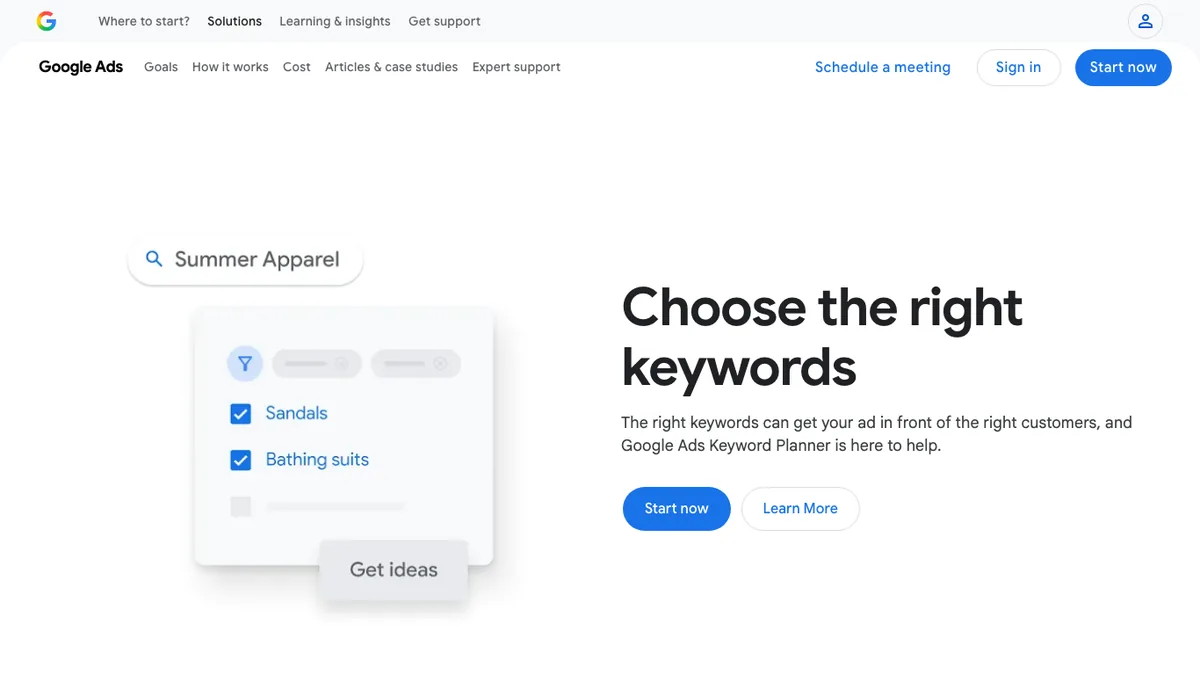
Google Keyword Planner is built for advertisers, but bloggers have used it for keyword research for years. It suggests related keywords and shows how often people search for them, using Google’s own data.
We use it for every article on Bloggersutra. One thing to know: unless you run ads, the volumes appear as ranges, such as 1K to 10K searches a month, rather than exact numbers. That is still enough to compare keywords and pick the best one.
New plans default to one country, so change the location to All locations if you write for a worldwide audience.
Pros
- Free data from Google itself
- Good for finding related keywords
- Location and language filters
Cons
- Shows ranges, not exact volumes, without an active campaign
- Needs a Google Ads account
- No keyword difficulty score
Alternative: Keywords Everywhere shows volumes right inside Google search results.
7. PageSpeed Insights: Best Free Page Speed Tool
- Best for: Checking Core Web Vitals and finding what slows a page down
- Free plan: Completely free
- Price: Free
- Our verdict: Run it on your key pages after every big change
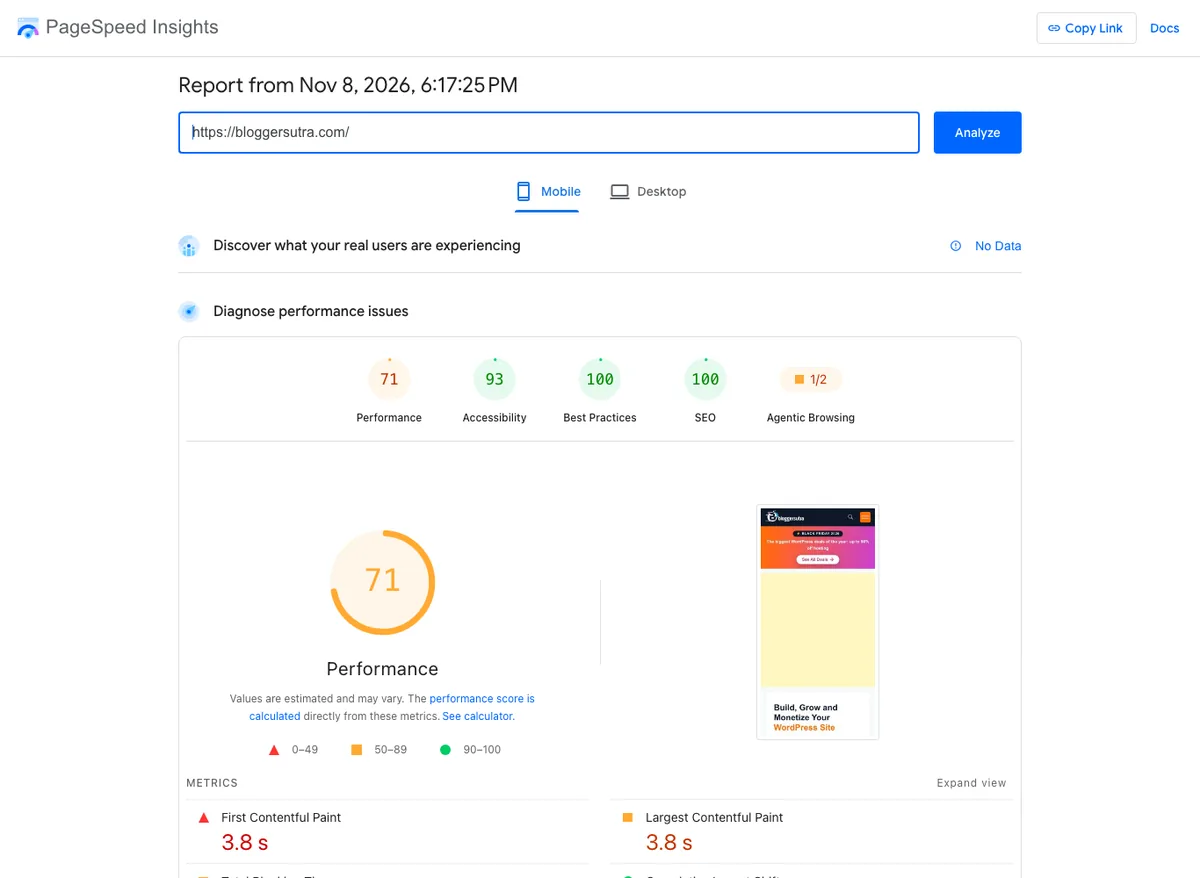
PageSpeed Insights is Google’s free speed test. Enter any URL and it shows two kinds of results: real-user data from Chrome visitors (when your page has enough traffic) and a lab test that lists exactly what to fix.
The Core Web Vitals it measures (loading, interactivity and layout shift) are part of Google’s page experience signals. Slow pages also lose visitors before they ever read your content.
The screenshot below is a real test of our own homepage. We run it after design changes, new plugins or ad updates, because those are the changes that most often slow a site down.
Pros
- Free and needs no account
- Uses real Chrome user data when available
- Specific fixes for each problem
Cons
- Lab scores change from test to test
- Advice can be technical for beginners
Tip: Test the mobile result first. Google mainly uses the mobile version of your pages, and mobile scores are usually lower.
8. Screaming Frog SEO Spider: Best Technical SEO Audit Tool
- Best for: Crawling your site to find broken links, redirects and missing tags
- Free plan: Free for up to 500 URLs
- Price: £199 a year per licence
- Our verdict: The standard technical audit tool, free for most small blogs
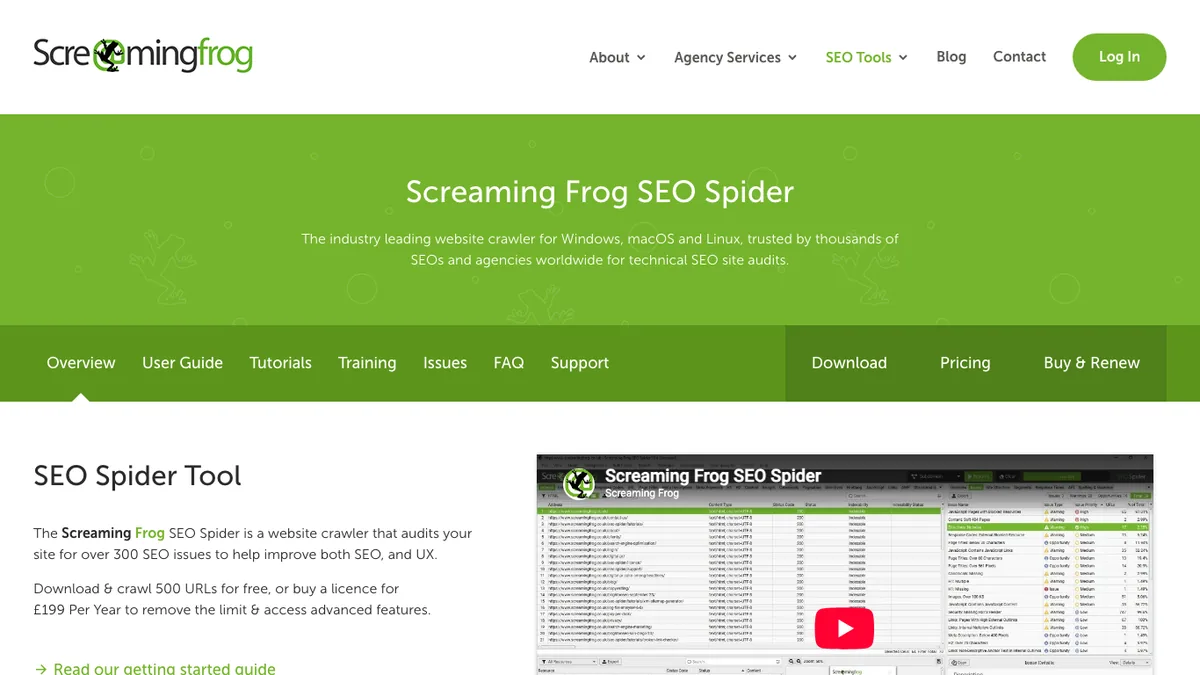
Screaming Frog SEO Spider is a desktop app for Windows, Mac and Linux that crawls your website the way a search engine does. In a few minutes it lists every page with its status code, title, meta description, headings, canonical tag and more.
It is the fastest way to find broken links, redirect chains, duplicate titles, missing meta descriptions and pages blocked from indexing. We run it after big changes, such as moving to a new host or changing URL structures.
Pros
- Free version covers sites up to 500 URLs
- Finds technical problems in minutes
- Exports everything to spreadsheets
Cons
- Desktop app, so it uses your computer’s memory
- The interface looks complex at first
- Paid licence is per user
Alternative: The site audits inside Semrush, Ahrefs and SE Ranking run in the cloud and are easier to read.
9. Keywords Everywhere: Best Keyword Browser Extension
- Best for: Seeing keyword data while you search Google
- Free plan: About 18 free features
- Price: From $7/mo, billed yearly
- Our verdict: Cheap and handy for quick checks
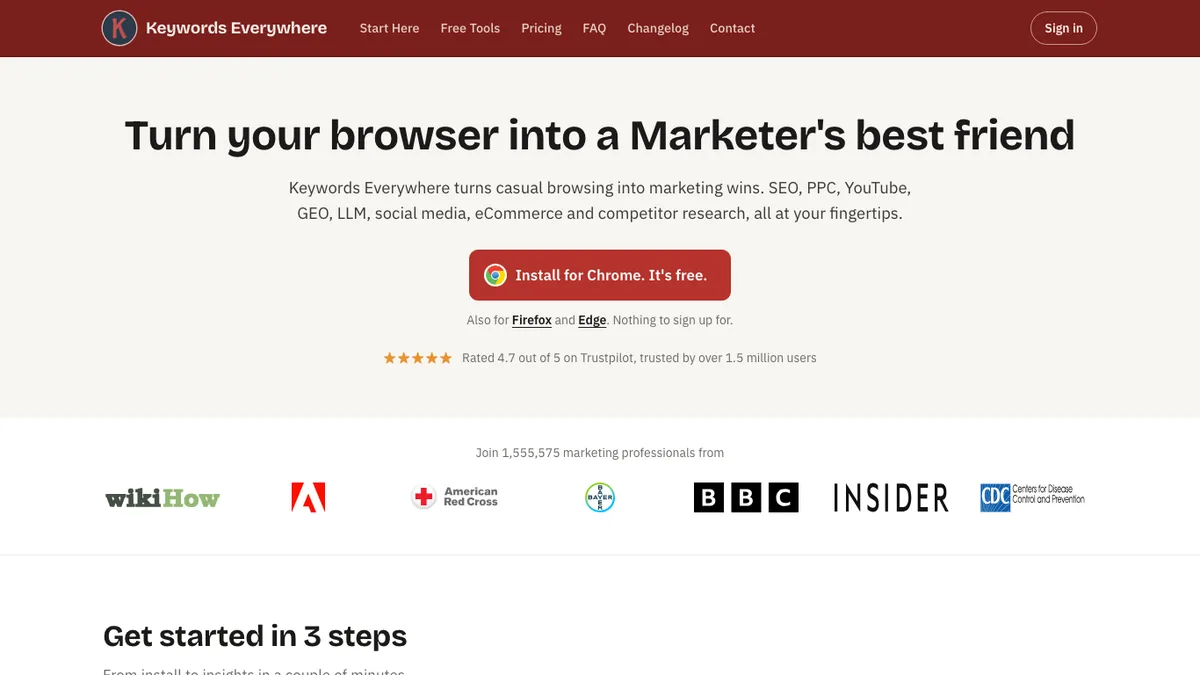
Keywords Everywhere is a browser extension for Chrome, Firefox and Edge. Once installed, it adds keyword data right next to Google results, so you can research as you search.
It shows related keywords, “people also search for” terms and traffic estimates for the pages ranking on page one. It also works on YouTube, Amazon and other sites.
Pros
- Very cheap paid plans
- Research without leaving Google
- Works on many sites, not just Google
Cons
- Search volume and CPC need a paid plan
- Not a replacement for a full SEO platform
Alternative: Ubersuggest also has a free Chrome extension.
10. Mangools KWFinder: Best Keyword Research Tool for Beginners
- Best for: Finding low-competition keywords with a simple interface
- Free plan: Free account with limited lookups
- Price: Mangools Basic $18.85/mo billed yearly ($226.20 a year)
- Our verdict: The friendliest keyword tool for new bloggers
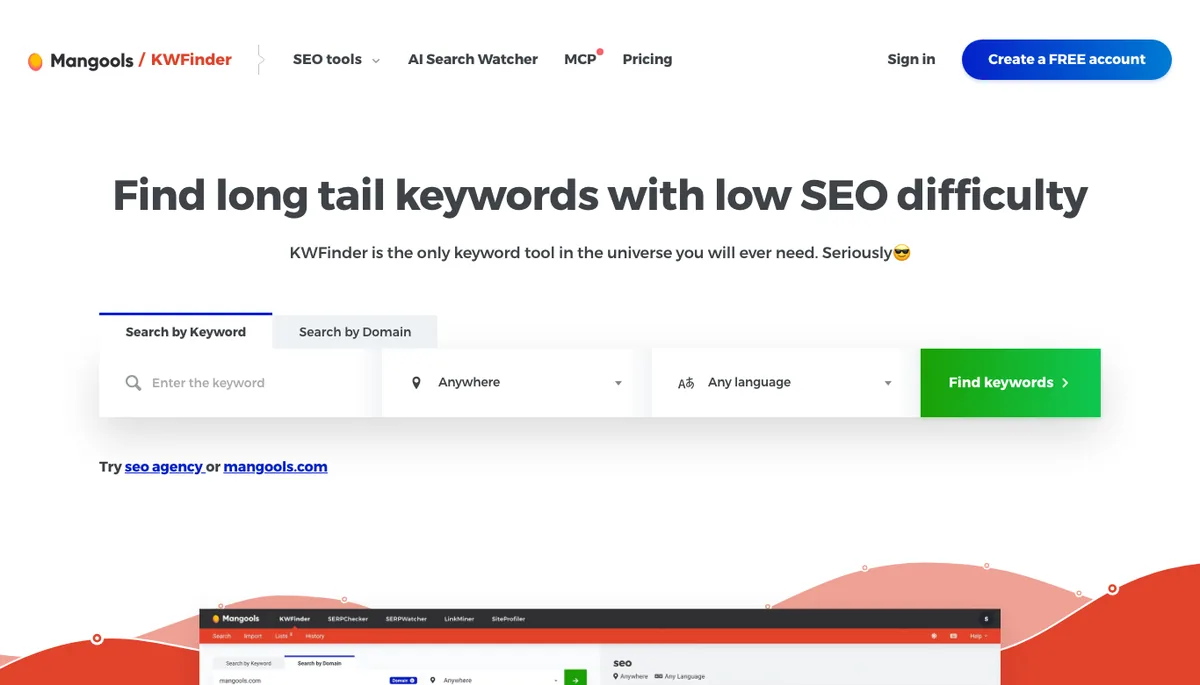
KWFinder is part of the Mangools suite, which also includes SERPChecker, SERPWatcher, LinkMiner and SiteProfiler. Its keyword difficulty score is easy to understand, which makes it a great first keyword tool.
You enter a keyword, and KWFinder shows suggestions with search volume, trend, cost per click and a difficulty score from 0 to 100. Click any keyword to see who ranks on page one and how strong those pages are.
The Basic plan allows 100 keyword lookups every 24 hours and tracks 200 keywords. Every plan now includes Mangools’ AI Search Watcher, which monitors how your brand appears in AI answers.
Pros
- Very easy to learn
- Clear keyword difficulty score
- Five tools in one subscription
- 48-hour money-back guarantee
Cons
- Daily lookup limits on lower plans
- Smaller backlink database than Ahrefs
Alternative: Semrush‘s Keyword Magic Tool is more powerful, but costs much more.
11. Bing Webmaster Tools: Best Free Tool for Bing
- Best for: Free search data, site scans and keyword research for Bing
- Free plan: Completely free
- Price: Free
- Our verdict: Ten minutes to set up, and worth it
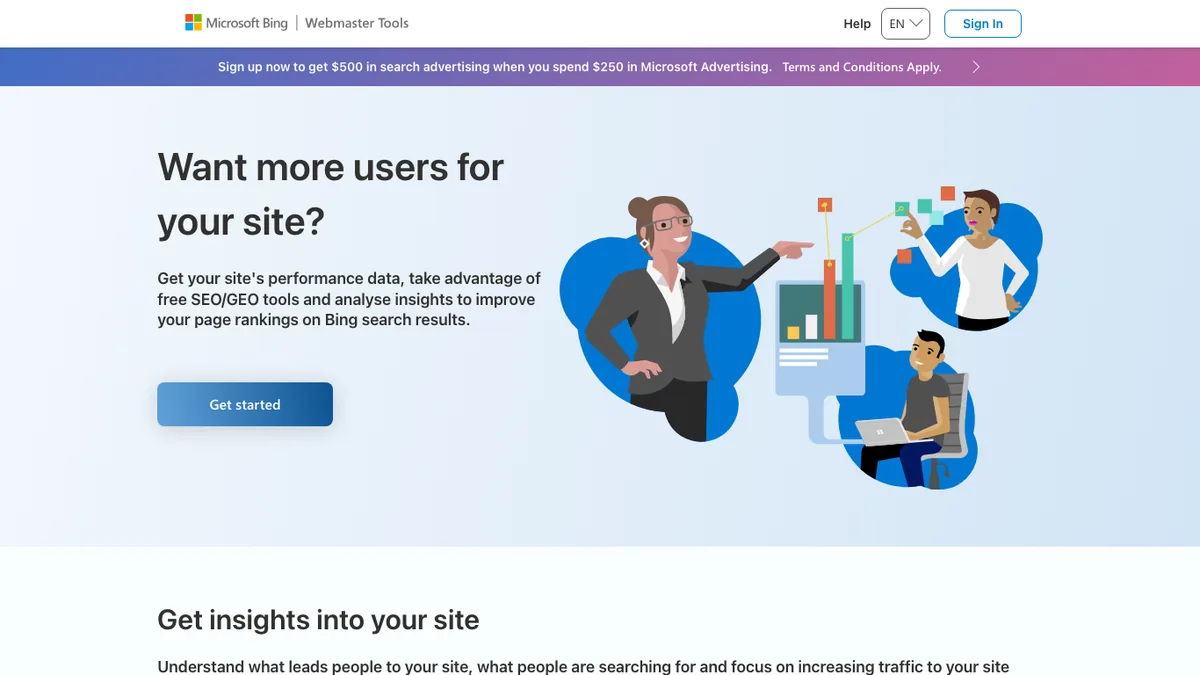
Bing Webmaster Tools is Microsoft’s version of Search Console. Bing has a smaller share of searches than Google, but its results also power other search experiences, so it is worth being found there.
Besides search performance, it includes a free site scan, a backlink report and a keyword research tool. You can import your sites from Google Search Console in a couple of clicks.
Pros
- Free backlink and keyword tools
- Quick import from Google Search Console
- Site scan finds common SEO issues
Cons
- Data only covers Bing
- Smaller traffic numbers than Google
12. Yoast SEO: Best SEO Plugin for Writing Guidance
- Best for: Beginners who want simple, clear SEO and readability advice
- Free plan: Yes, free plugin
- Price: Yoast SEO Premium $118.80 a year per site
- Our verdict: Easy to use, but Premium costs more per site
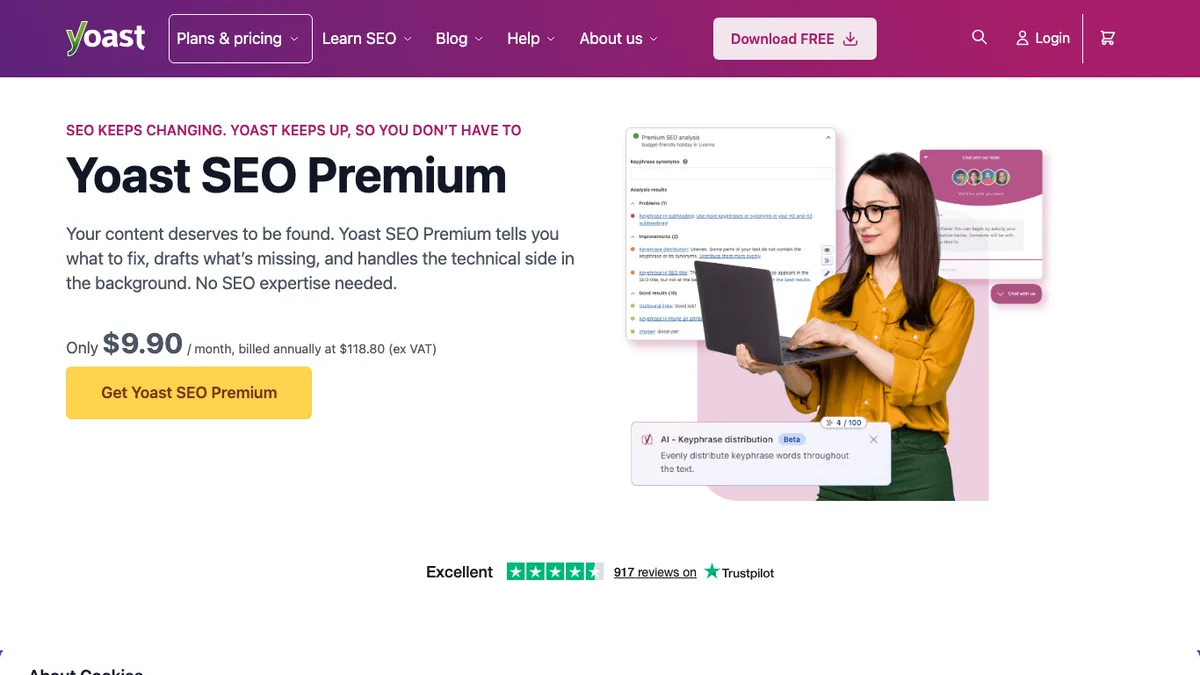
Yoast SEO is one of the most popular WordPress plugins ever made. Its traffic light checks for SEO and readability make it easy for beginners to write posts that are well structured and clearly focused.
The free plugin handles titles, meta descriptions, sitemaps and basic schema. Yoast SEO Premium adds AI-generated titles and descriptions, a redirect manager, internal linking suggestions, analysis for up to five keyphrases and the Local, Video and News SEO add-ons.
Pros
- Very beginner friendly
- Readability analysis helps your writing
- Large community and lots of tutorials
Cons
- Redirects and internal link suggestions need Premium
- Premium is priced per site
Alternative: Rank Math includes redirects and more schema in its free version.
13. All in One SEO (AIOSEO): Best for Local and Business Sites
- Best for: Business sites that want local SEO and guided setup
- Free plan: Yes, free version on WordPress.org
- Price: Basic $49.50 for the first year, then $99 a year
- Our verdict: Polished and easy, with strong local SEO on higher plans
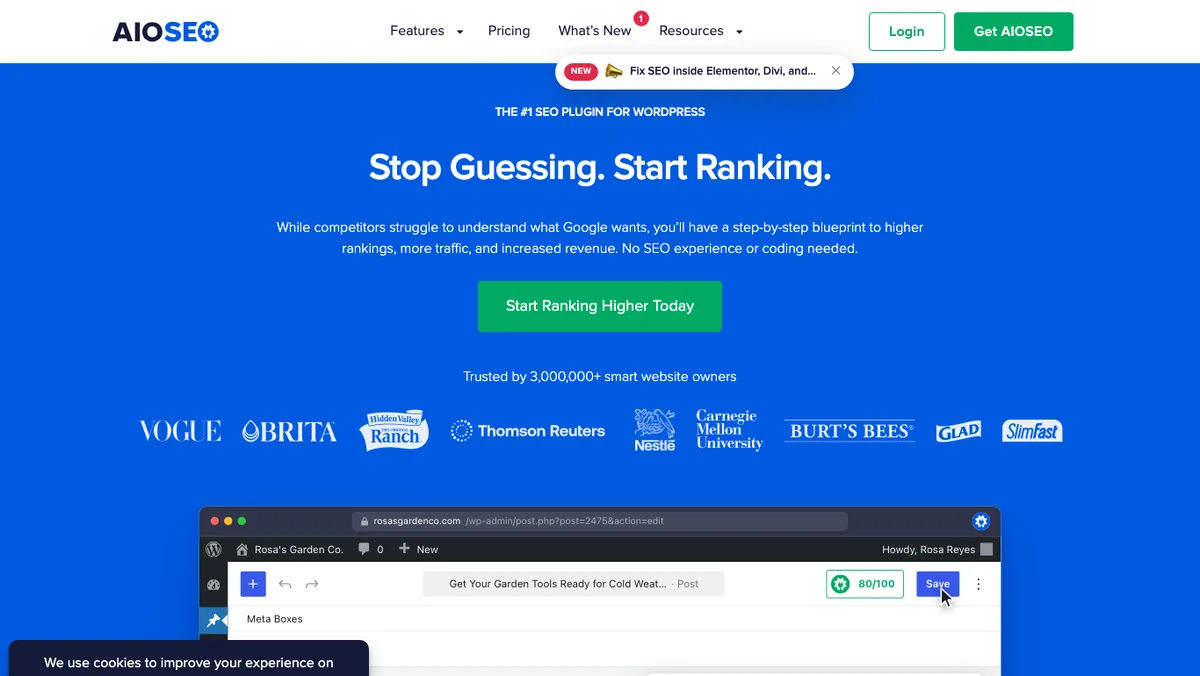
All in One SEO is another long-running WordPress SEO plugin. It has a friendly setup wizard and a TruSEO score that checks each post as you write.
Paid plans add smart schema, redirect monitoring and AI writing tools. From the Plus plan you get local business SEO with multiple locations and opening hours, and the Pro plan adds an internal link assistant and 404 tracking.
Pros
- Simple setup wizard
- Strong local SEO features
- 14-day money-back guarantee
Cons
- Renewal prices are about double the first year
- Best features are on higher plans
14. AnswerThePublic: Best for Question Keywords
- Best for: Finding the questions people ask about a topic
- Free plan: 3 free searches a day with a free account
- Price: Starter $20/mo, or $120 a year
- Our verdict: Great for FAQ sections and blog post ideas
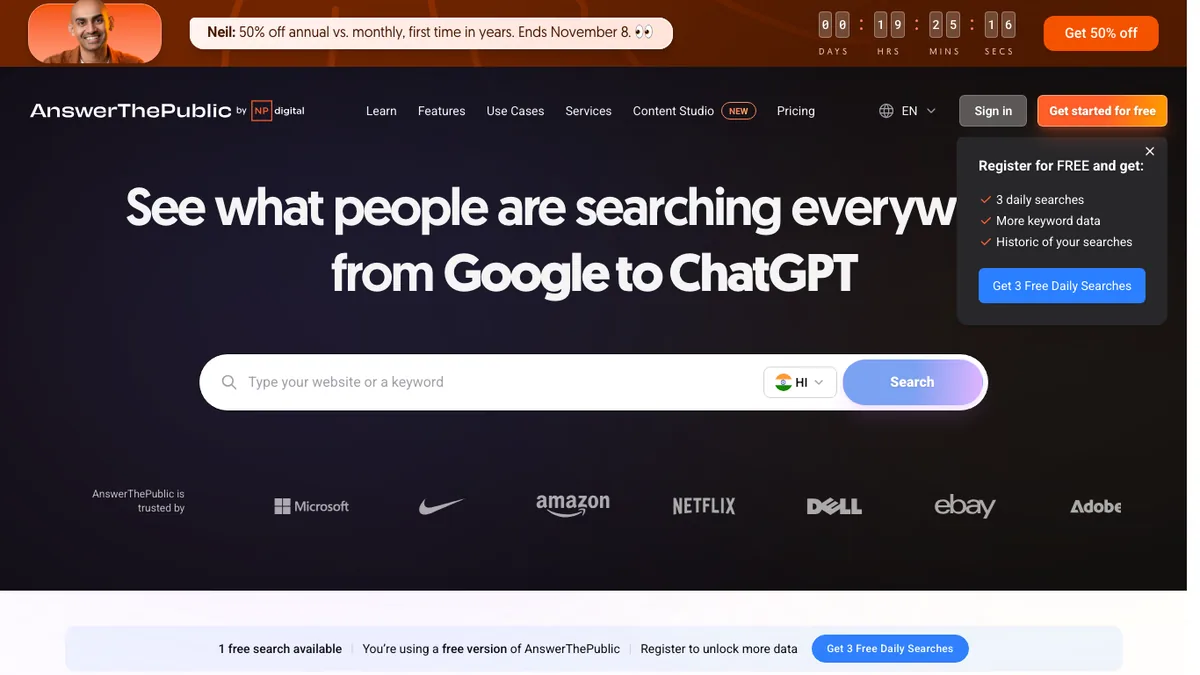
AnswerThePublic turns one keyword into a map of questions, comparisons and phrases people type into search engines. Questions that start with who, what, how and why make great H2 headings and FAQ answers.
We use it when planning the FAQ section of a post, so we answer the questions readers actually have instead of guessing.
Pros
- Unique visual question maps
- Quick source of FAQ ideas
- Affordable yearly plan
Cons
- Only 3 free searches a day
- No difficulty scores like the bigger tools
15. Surfer: Best Content Optimization Tool
- Best for: Writing articles that cover what top-ranking pages cover
- Free plan: Free AI visibility audit tool
- Price: Discovery $49/mo, Standard $99/mo, billed yearly
- Our verdict: Worth it for sites that publish a lot of content
Surfer compares your draft with the pages that already rank for your keyword. Its content editor suggests topics, terms, headings and a target length, and gives your article a score as you write.
Higher plans also track how often AI models such as ChatGPT mention your brand. The Standard plan includes 25 tracked prompts refreshed weekly, and Pro tracks 50 prompts daily across all models.

Pros
- Clear guidance on what to cover
- Speeds up content briefs
- AI search visibility tracking on higher plans
Cons
- Pricey for one person
- Following the score too closely can make writing stiff
16. Ubersuggest: Best Budget All-in-One SEO Tool
- Best for: Bloggers who want an all-in-one tool on a small budget
- Free plan: Free trial on paid plans
- Price: Varies by country; Individual was ₹1,135/mo in India when we checked
- Our verdict: A cheaper way to get keyword, audit and rank data
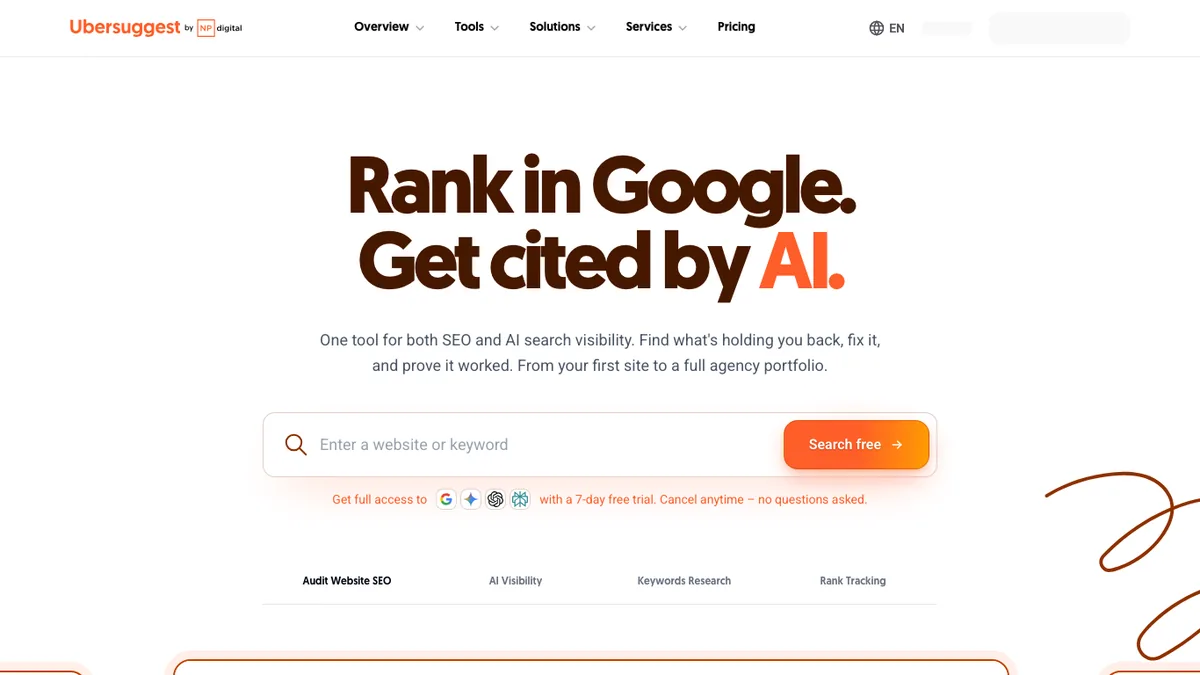
Ubersuggest from Neil Patel covers keyword research, site audits, rank tracking and competitor research at a lower price than the big platforms. It now also includes ChatGPT and Gemini data in keyword research.
The Individual plan covers one website with 125 tracked keywords and 150 searches a day. Ubersuggest sets prices by country and sometimes offers lifetime deals, so check the pricing page in your region.
Pros
- Low price for an all-in-one tool
- Simple interface
- Free trial and Chrome extension
Cons
- Smaller data sets than Semrush or Ahrefs
- Prices differ by country
SEO Tool Stacks by Budget
Here is how we would combine these tools at different stages. Start with the free stack and only add paid tools when they save you real time or help you earn more.
| Stack | Tools | Monthly cost | Best for |
|---|---|---|---|
| Free stack | Search Console, Bing Webmaster Tools, Keyword Planner, PageSpeed Insights, Rank Math (free), Screaming Frog (free) | $0 | New blogs and small business sites |
| Starter stack | Free stack + Rank Math PRO + Keywords Everywhere or KWFinder | About $13 to $25 | Bloggers publishing every week |
| Growth stack | Free stack + Rank Math PRO + SE Ranking or Ahrefs Lite | About $110 to $135 | Sites with steady traffic or income |
| Pro stack | Free stack + Rank Math PRO + Semrush or Ahrefs + Surfer | About $170 to $250 | Content teams and niche site owners |
Monthly costs use yearly billing where available and first-year prices for Rank Math PRO. Renewals can cost more, as noted in each tool above.
Free vs Paid SEO Tools: What Do You Really Get?
Free tools show you what is happening on your own site. Search Console, Bing Webmaster Tools and PageSpeed Insights give you data straight from the search engines, and nothing paid can replace that.
Paid tools show you what is happening on everyone else’s site. That is their real value: you can see which keywords bring your competitors traffic, who links to them, and which topics you haven’t covered yet.
So the question isn’t free or paid. It’s whether you are ready to research competitors and track many keywords. Most new blogs aren’t, and that is fine. Publish helpful posts, fix the problems Search Console reports, and upgrade when your site starts to grow.
How to Choose the Right SEO Tool
Answer these questions before you pay for anything:
- What job do you need done? Keyword ideas, technical fixes, backlinks and rank tracking need different tools.
- How many sites and keywords? Check the limits on projects, tracked keywords and daily lookups, not just the price.
- What will it cost after year one? Many tools discount the first year and renew at a higher price.
- Does it work with WordPress? Plugins and integrations save time every day.
- Can you try it first? Use free plans and trials on a real project before you commit.
If you are just starting, our SEO guide for beginners explains the basics, and our technical SEO checklist shows what to fix first.
Best SEO Tools: Frequently Asked Questions
Google Search Console. It shows the searches your pages appear for, your clicks and positions, and any indexing problems, using Google’s own data. It is completely free.
Semrush is the most complete all-in-one tool, and Ahrefs is the strongest for backlinks. SE Ranking covers most of the same jobs for less money.
Start with Search Console, Rank Math and Keyword Planner, which are all free. If you want a paid keyword tool, Mangools KWFinder is the easiest to learn.
No. Use only one SEO plugin on a WordPress site. Running two can create duplicate tags and conflicting settings.
Nothing at first. The free stack covers a new blog. Once your site has steady traffic, a budget of about $100 to $130 a month gets you a full all-in-one tool.
Semrush has a wider toolset, including content and AI visibility tools. Ahrefs has excellent backlink data and a cheaper Starter plan. Both are excellent, so choose by the job you do most.
Yes, many sites rank with only free tools. Paid tools make competitor research and keyword tracking faster, but helpful content and a technically healthy site matter more.
Not yet. AI chat tools can help with ideas and outlines, but they don’t show real search volumes, rankings or backlinks. Use them alongside SEO tools, not instead of them.
Final Thoughts
The best SEO tool is the one you’ll actually use every week. For most bloggers that means Google Search Console, a good SEO plugin like Rank Math, and one keyword tool. Add Semrush, Ahrefs or SE Ranking when your site is ready for serious competitor research.
Next, read our guides on long-tail keywords, WordPress on-page SEO and link building strategies to put these tools to work.
Prices, plans and free limits are from each company’s official website, checked in November 2026. Prices can change and may differ by country.










Thank you for helpful information sharing with us.
Great post thanks for the post!
so helping blog… useful for everyone from beginner to expert..