






Quick answer
- Best overall: Astra. It’s the most-reviewed theme on WordPress.org (6,500+ ratings, 4.9 stars) and works with every major page builder.
- Best free theme: Kadence, with a drag-and-drop header and footer builder in the free version.
- Fastest: GeneratePress, which adds less than 10 KB (gzipped) to a page.
- Best for Elementor: Hello Elementor. Best for block themes: Twenty Twenty-Five.
- Every theme on this list has a free version, so you can try it before paying for a Pro upgrade.
Your theme controls how your whole site looks, and a heavy or poorly coded theme can slow it down. The good news is that the best WordPress themes in 2026 are lighter, faster and more flexible than ever, and most of them are free to start with.
To make this list, we looked at WordPress.org’s official theme directory: how many sites actually use each theme, its rating and how recently it was updated. Then we checked every premium price on the theme’s own website on November 7, 2026.
Best WordPress themes compared
| Theme | Active installs | Rating | Free version | Premium from | Best for |
|---|---|---|---|---|---|
| Astra | 1M+ | 4.9 (6,555) | Yes | $99/year | Most sites |
| Kadence | 500K+ | 4.9 (456) | Yes | $350/year bundle | Free features |
| GeneratePress | 500K+ | 4.9 (1,427) | Yes | $99/year | Speed |
| Blocksy | 300K+ | 5.0 (873) | Yes | $69/year | Block editor |
| Hello Elementor | 1M+ | 4.2 (130) | Yes | Elementor Pro $60/year | Elementor users |
| OceanWP | 400K+ | 4.9 (5,720) | Yes | $42/year | Extensions |
| Neve | 200K+ | 4.7 (1,284) | Yes | $69/year | Core Web Vitals |
| Divi | Not on WordPress.org | — | No | $89/year | Visual design |
| Twenty Twenty-Five | 1M+ | 4.0 (14) | Yes | Free | Simple block sites |
Active installs and ratings come from WordPress.org. Ratings are converted to a 5-star scale, with the number of reviews in brackets.
1. Astra

Astra is the most popular multipurpose theme on WordPress.org and the only one with more than 6,000 five-star reviews. It’s fast, works with Elementor, Spectra, Beaver Builder and other page builders, and comes with ready-made starter templates, so you can launch a complete design in minutes. It also works well with WooCommerce.
- Active installs: 1 million+
- Free version: yes
- Premium: Astra Pro + AI costs $99/year (normally $149, renews at $149), or $279 once for lifetime access
- Best for: bloggers, small businesses and online stores who want a proven, flexible theme
2. Kadence

Kadence is a lightweight theme with one of the most generous free versions available. Even without paying, you get a drag-and-drop header and footer builder, starter templates and global font and color controls. It’s also marked as accessibility ready on WordPress.org.
- Active installs: 500,000+
- Free version: yes, and very capable
- Premium: Kadence’s paid tools are now sold through Liquid Web as a bundle, from $350/year for one site, which also includes The Events Calendar, LearnDash and Give
- Best for: anyone who wants a powerful free theme
3. GeneratePress
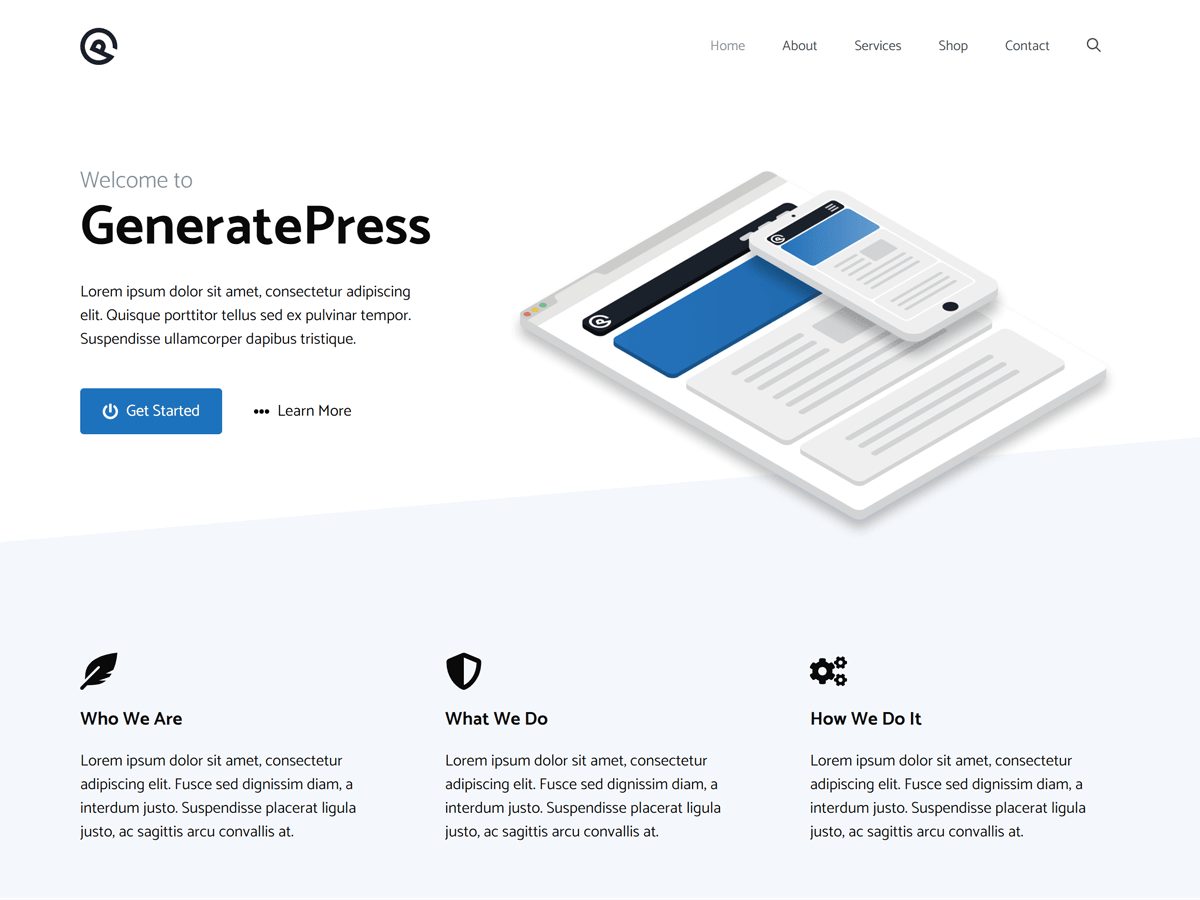
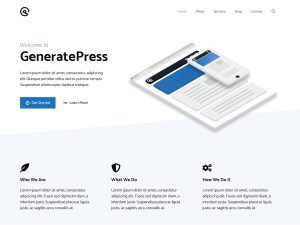
GeneratePress is built for speed. A fresh install adds less than 10 KB (gzipped) to your page size, and it follows WordPress coding standards closely, so it works smoothly with WooCommerce and well-coded plugins. It makes full use of the block editor and also works with Elementor and Beaver Builder.
- Active installs: 500,000+
- Free version: yes
- Premium: GeneratePress One costs $99/year for 1 site, $149/year for 10 sites or $199/year for 100 sites, or $596 once for lifetime use on 100 sites. There’s a 30-day refund.
- Best for: bloggers who care about page speed
4. Blocksy
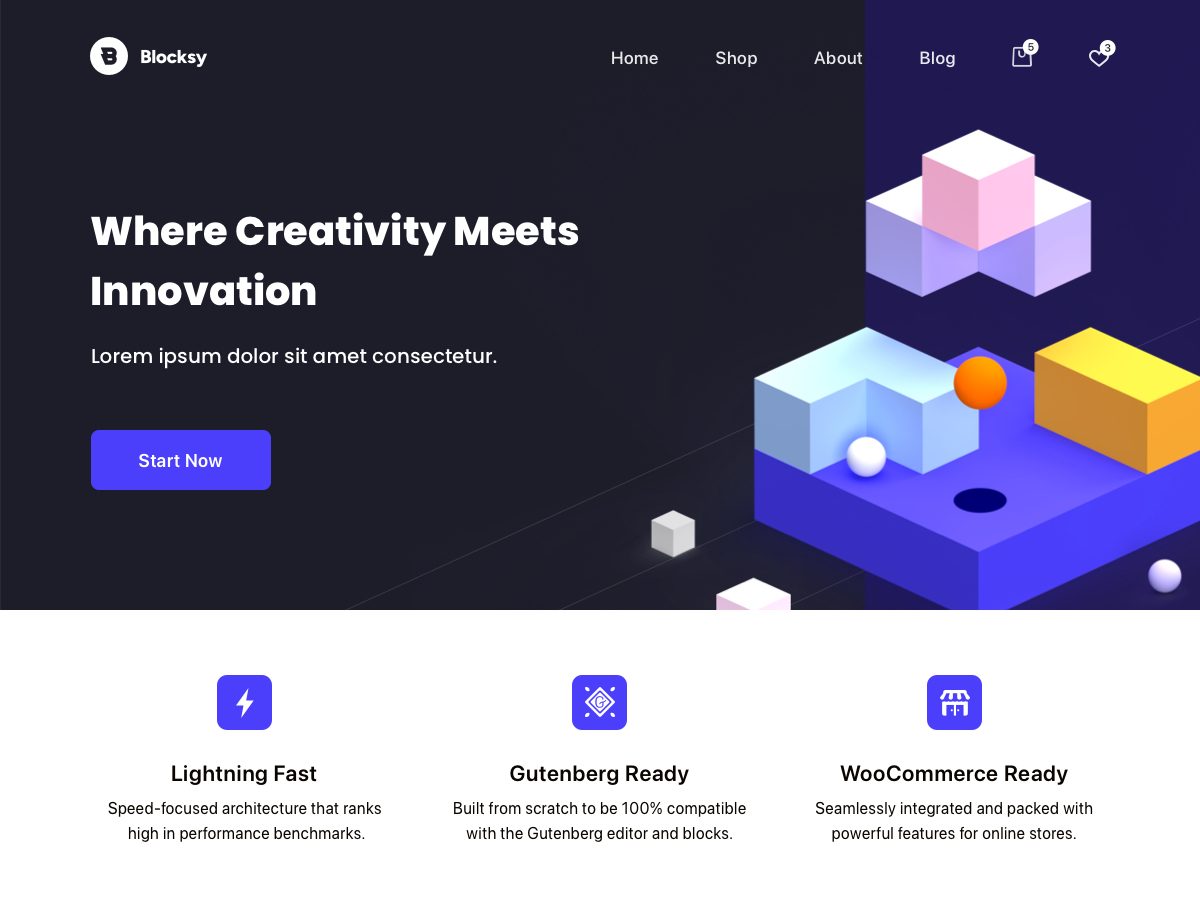
Blocksy is a modern, fast theme with full block editor support and advanced WooCommerce features. It has a perfect 5-star average on WordPress.org from nearly 900 reviews.
- Active installs: 300,000+
- Free version: yes
- Premium: Blocksy Pro costs $69/year (1 site), $99/year (10 sites) or $149/year (unlimited sites), with lifetime options from $199
- Best for: people who build with the block editor
5. Hello Elementor
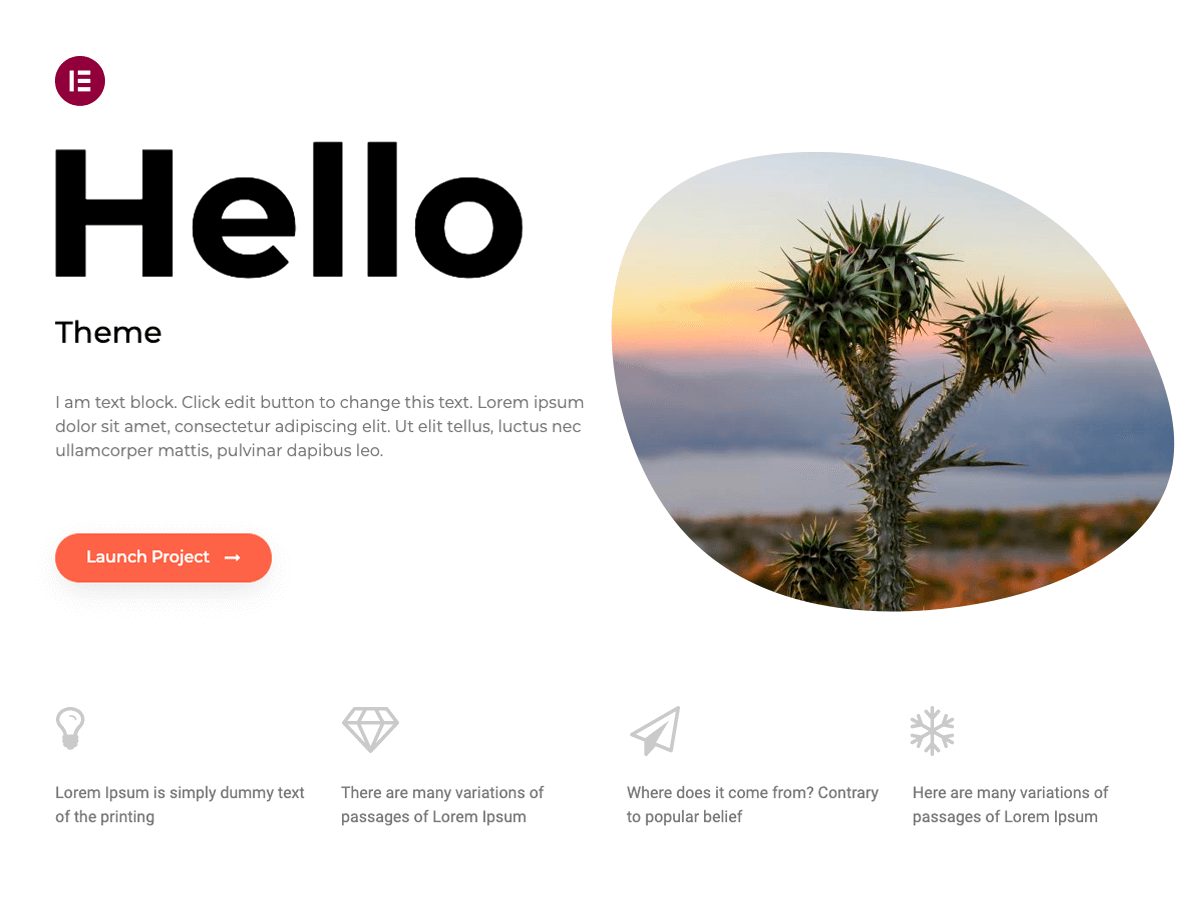
Hello Elementor is a minimal, free theme made by Elementor. It’s intentionally plain: the idea is that you design every part of your site with the Elementor page builder. If you already use Elementor, it’s the lightest starting point.
- Active installs: 1 million+
- Free version: the theme is free
- Premium: Elementor Pro plans start at $60/year (Essential, $5/mo billed annually)
- Best for: Elementor users
6. OceanWP
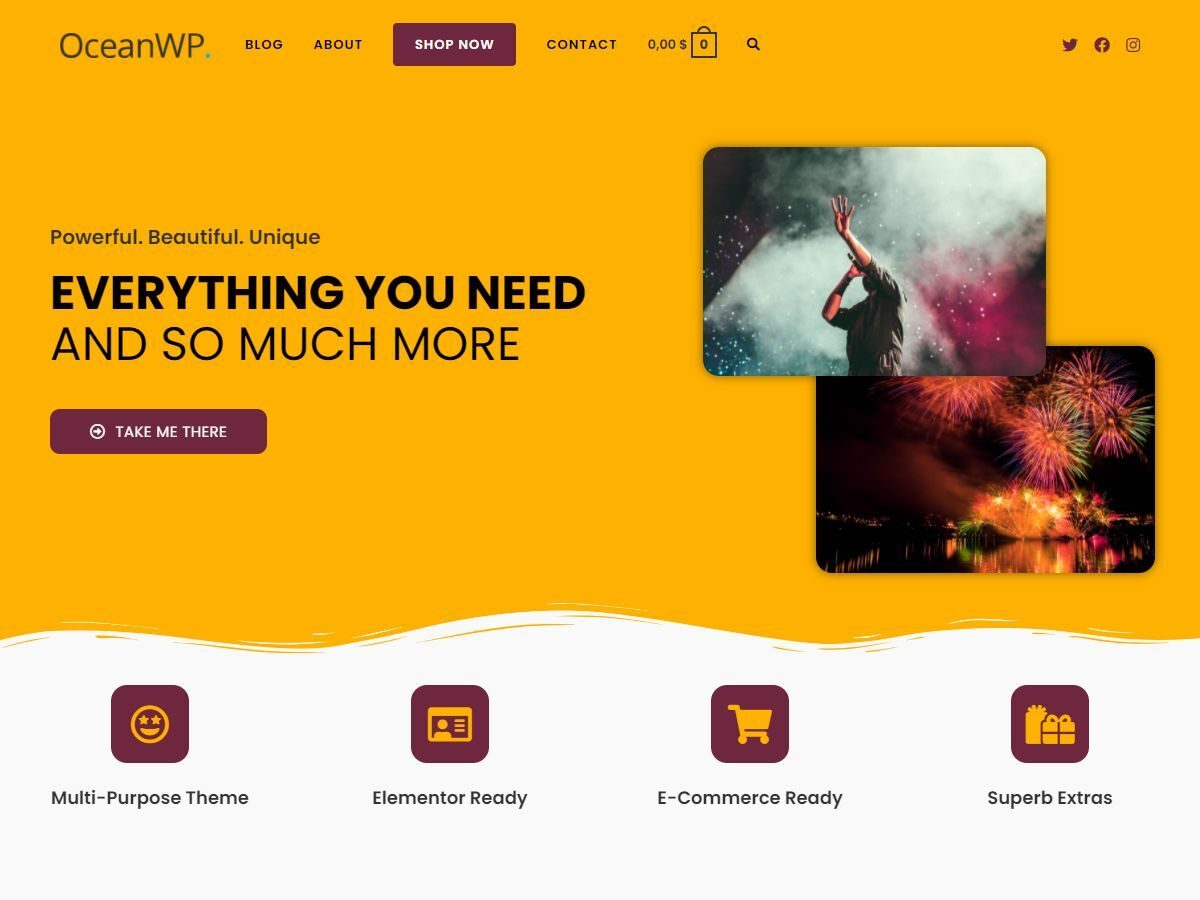
OceanWP is a lightweight, extendable theme with thousands of 5-star reviews. It works with most page builders and lets you adjust settings separately for tablets and phones. Its premium extensions add extra features as you need them.
- Active installs: 400,000+
- Free version: yes
- Premium: the Core Extensions Bundle starts at $42/year for 1 site (normally $52), with lifetime plans from $156
- Best for: sites that want to add features through extensions
7. Neve

Neve is a fast, lightweight theme from Themeisle, designed around Core Web Vitals. It works with the block editor, Elementor and other builders, and with WooCommerce.
- Active installs: 200,000+
- Free version: yes
- Premium: Neve Pro costs $69/year (Personal, normally $139), $149/year (Business) or $259/year (Agency), with a 30-day money-back guarantee
- Best for: sites focused on speed scores
8. Divi
Divi, from Elegant Themes, is a premium theme with a built-in visual builder. It isn’t on WordPress.org, but it has been one of the best-known premium themes for years. One membership lets you use it on unlimited websites.
- Free version: no
- Premium: Divi costs $89/year for unlimited websites, Divi Pro (with AI and extra services) costs $277/year, and there’s a lifetime option. You can try it risk-free for 30 days.
- Best for: designers who build many client sites
9. Twenty Twenty-Five
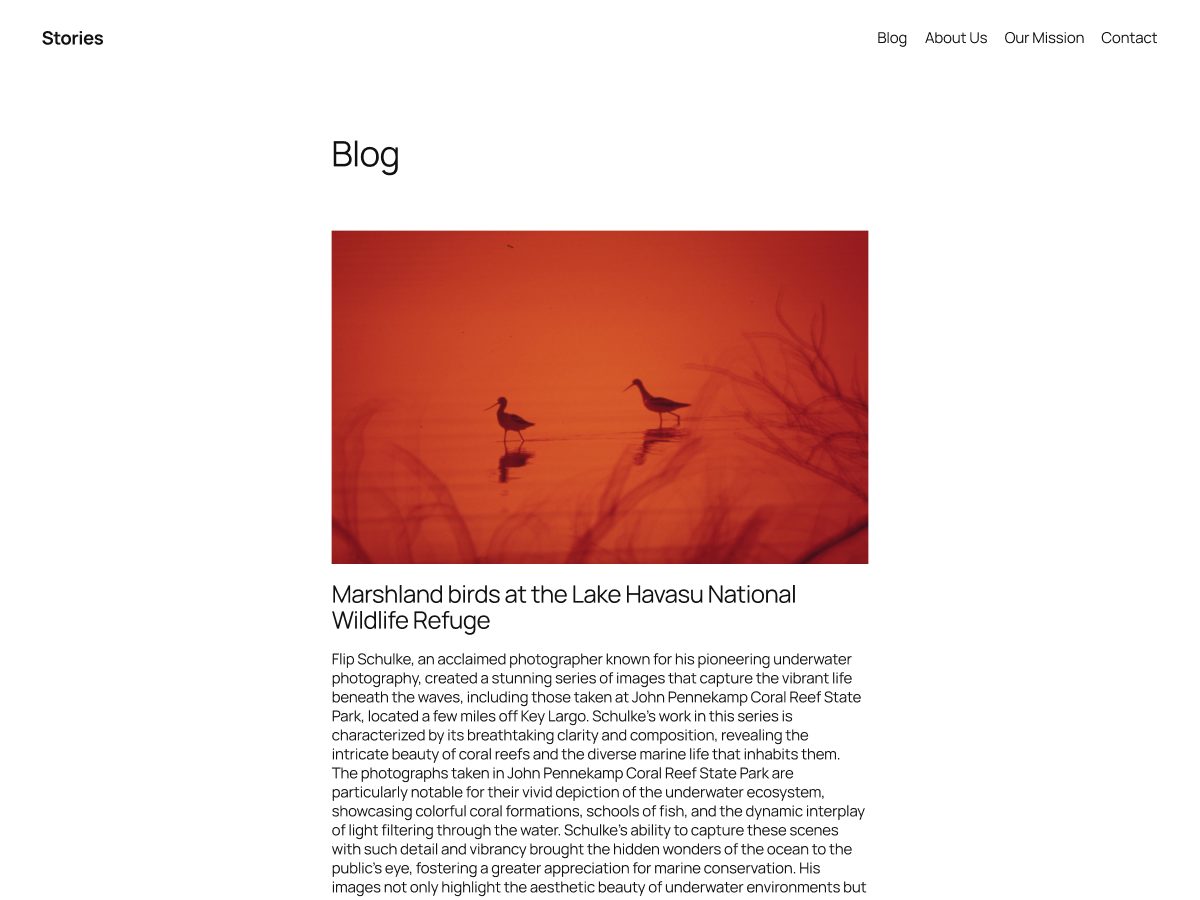
Twenty Twenty-Five is WordPress’s own default theme. It’s a block theme with patterns for services pages, landing pages and different blog styles, and it’s completely free. It’s a good choice if you want a simple site that uses WordPress’s newest design tools.
- Active installs: 1 million+
- Price: free
- Best for: simple blogs and portfolios built with the Site Editor
How to choose the right theme
- Start free. Every theme here except Divi has a free version, so test it on your site before you pay.
- Match your builder. If you use Elementor, pick Hello Elementor or Astra. If you use the block editor, look at Blocksy, Kadence or Twenty Twenty-Five.
- Check speed. A lightweight theme like GeneratePress or Neve helps your pages load quickly.
- Look at updates. Every theme on this list was updated in the last year, which matters for security.
For a step-by-step checklist, read our guide on how to choose a WordPress theme, or see our list of the best free WordPress themes. If you’re just starting out, our step-by-step guide to starting a WordPress blog walks you through the whole setup.
Best WordPress themes FAQs
For most sites, Astra. It has more than 1 million active installs, over 6,000 five-star reviews and works with every major page builder.
Kadence offers the most in its free version, including a drag-and-drop header and footer builder. Astra and GeneratePress are also excellent free options.
GeneratePress is one of the lightest: a fresh install adds less than 10 KB (gzipped) to your page size.
No. Most blogs work well with a free theme. Premium versions add extra layouts, templates and settings.
Hello Elementor, which is made by Elementor and designed to be a blank canvas for the page builder.
Yes. You can switch themes at any time, but your layout may change, so test on a staging site first.
Install counts and ratings from WordPress.org, and prices from each theme’s official website, checked on November 7, 2026.