







Quick answer
- Lightest: GeneratePress. Its developer says a fresh install adds less than 10 KB (gzipped) to your page size.
- Built for Core Web Vitals: Neve, which its developer describes as ultra-fast with a small codebase.
- Fast and feature-rich: Kadence and Blocksy give you plenty of design options without heavy code.
- A fast theme helps, but hosting, image sizes, caching and plugins matter just as much. Test your own pages with PageSpeed Insights.
Page speed affects how long visitors stay and how well your site ranks. Your theme is the foundation of every page, so choosing a lightweight one is one of the easiest ways to keep your site fast.
These themes are all known for speed, are actively updated and are popular on WordPress.org. We’ve noted what each developer says about performance, and we checked everything on November 7, 2026. Your real results will depend on your hosting, plugins and content, so it’s worth testing your own site.
Fast WordPress themes compared
| Theme | Active installs | Rating | What the developer says about speed |
|---|---|---|---|
| GeneratePress | 500,000+ | 4.9 (1,427) | Adds less than 10 KB (gzipped) to a page |
| Neve | 200,000+ | 4.7 (1,284) | Ultra-fast, built for Core Web Vitals |
| Kadence | 500,000+ | 4.9 (456) | Lightweight yet full featured |
| Blocksy | 300,000+ | 5.0 (873) | Fast and modern |
| Astra | 1,000,000+ | 4.9 (6,555) | Lightning-fast, clean code |
| Hello Elementor | 1,000,000+ | 4.2 (130) | Lightweight, minimal, optimized for performance |
| Twenty Twenty-Five | 1,000,000+ | 4.0 (14) | Block theme, no page builder needed |
1. GeneratePress
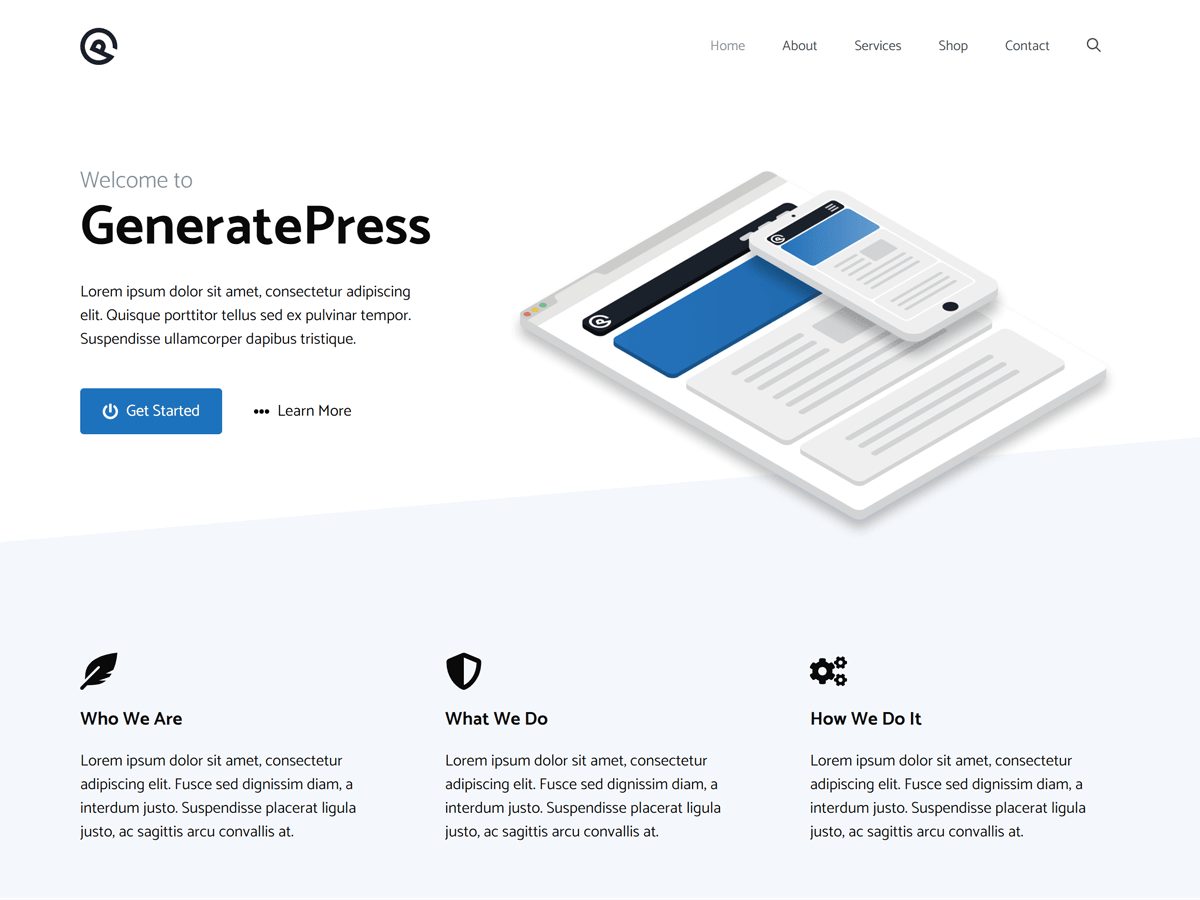
GeneratePress is the theme most often named when people talk about speed, and it backs that up with a specific number: a fresh install adds less than 10 KB (gzipped) to your page size. It takes full advantage of the block editor and works with page builders too.
2. Neve

Neve is designed around Core Web Vitals. Its developer, Themeisle, says its lightweight codebase and small size keep overhead low. It works with the block editor, page builders and WooCommerce.
3. Kadence

Kadence describes itself as lightweight yet full featured. You get a header and footer builder and starter templates in the free version, so you don’t need extra plugins for common design tasks.
4. Blocksy
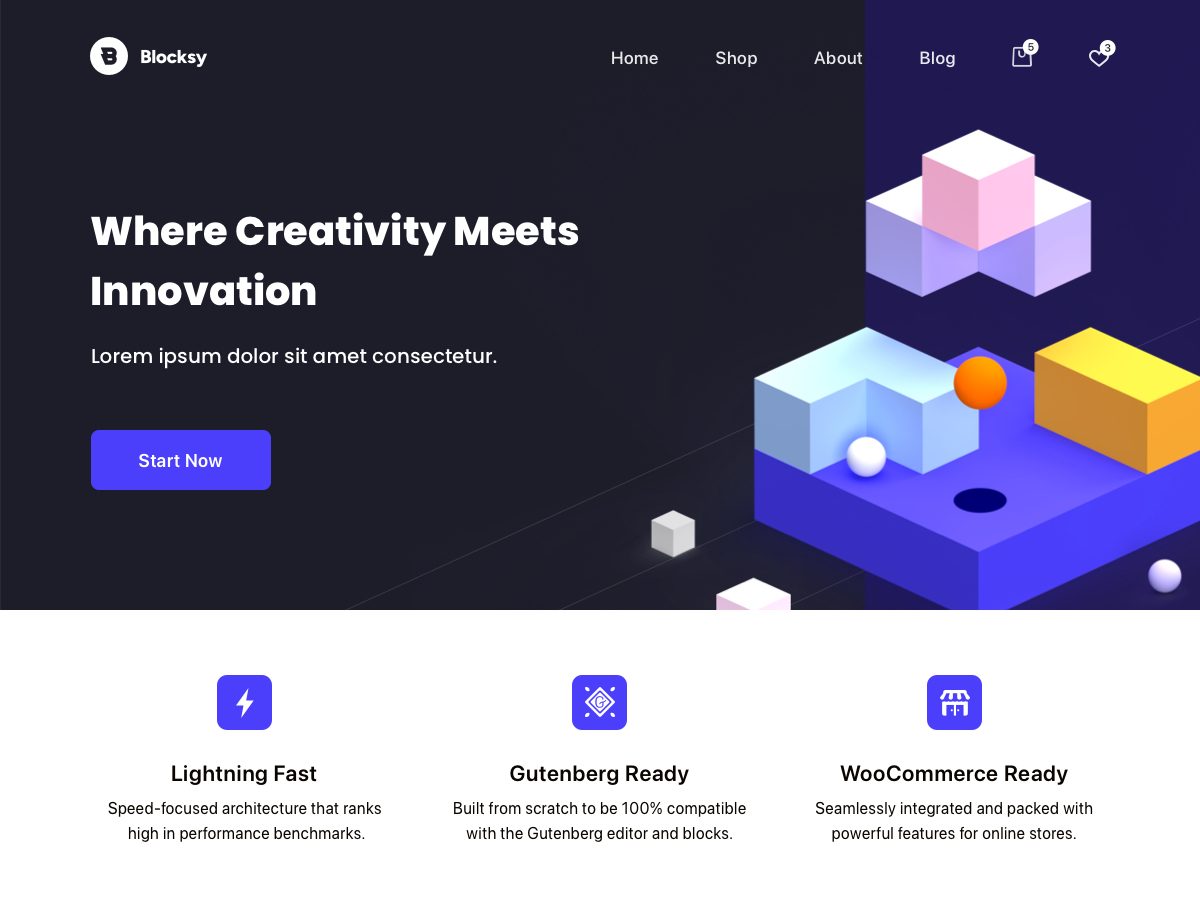
Blocksy is a fast, modern theme with full block editor support. It’s a good choice if you want a quick site built mostly with native WordPress blocks.
5. Astra

Astra’s developer calls it lightning-fast, with clean code and a mobile-first design. It’s the most popular theme on this list, so it’s well tested with plugins.
6. Hello Elementor
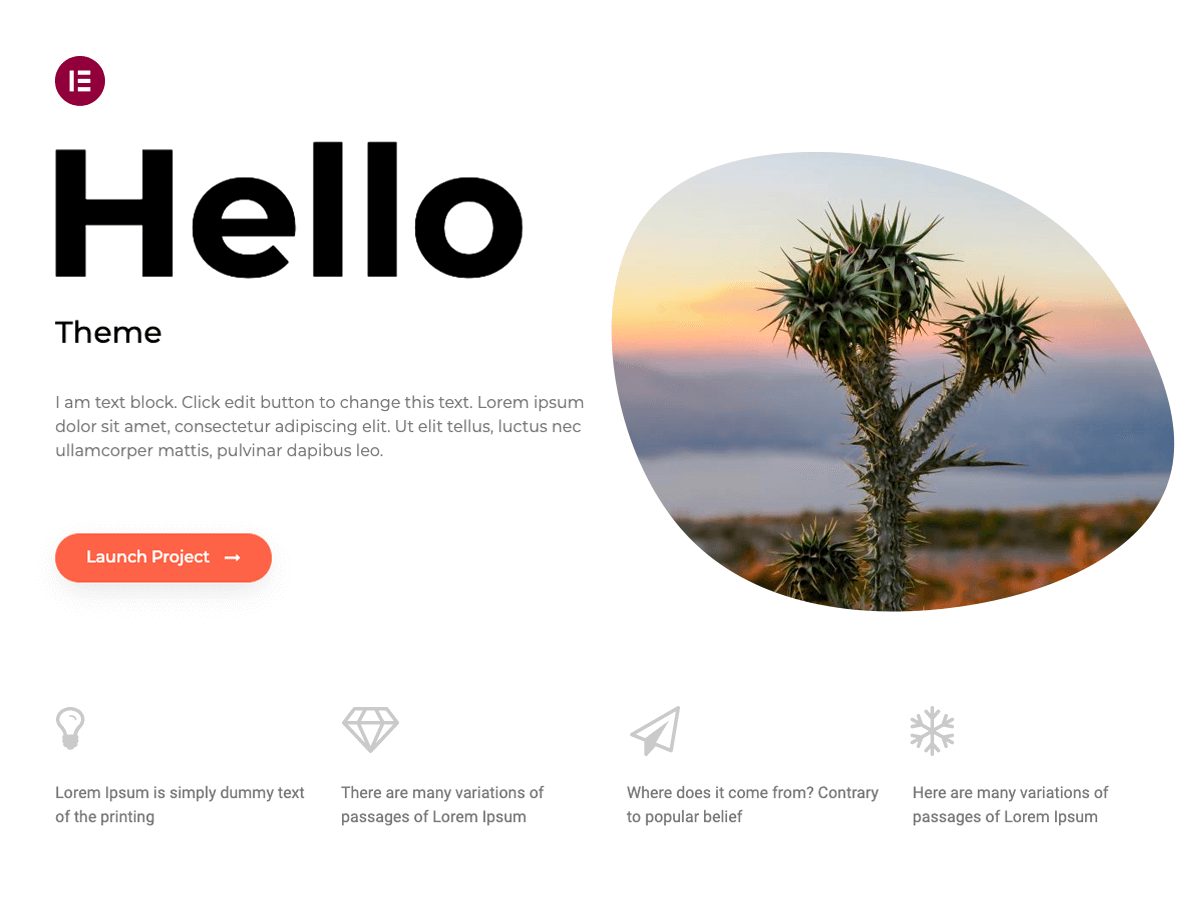
If you use Elementor, Hello Elementor is the lightest starting point. It’s minimal on purpose and optimized for performance, leaving the design to Elementor.
7. Twenty Twenty-Five
WordPress’s default block theme lets you design everything with core blocks, so you don’t need a page builder. Fewer plugins usually means a faster site.
How to keep your WordPress site fast
- Use good hosting. A slow server will slow any theme. See our Hostinger review or Rocket.net review for options.
- Compress and resize images before uploading them.
- Use a caching plugin or your host’s built-in caching.
- Keep plugins to the ones you need, and avoid heavy sliders and animations.
- Test your pages in Google’s free PageSpeed Insights tool after each big change.
For more choices, see our lists of the best WordPress themes and the best free WordPress themes.
Fastest WordPress themes FAQs
GeneratePress is one of the lightest. Its developer says a fresh install adds less than 10 KB (gzipped) to your page size.
Yes. A heavy theme adds extra code to every page. But hosting, images, caching and plugins matter just as much.
Use Google’s free PageSpeed Insights tool and test both mobile and desktop.
They can add extra code. If you use Elementor, a lightweight theme like Hello Elementor helps.
Yes. All seven themes have free versions on WordPress.org.
Often, because you can build pages with core blocks instead of a page builder plugin. Results depend on your setup.
Install counts, ratings and developer descriptions from WordPress.org, checked on November 7, 2026.